Add a form
From Blocks, or ask the AI.
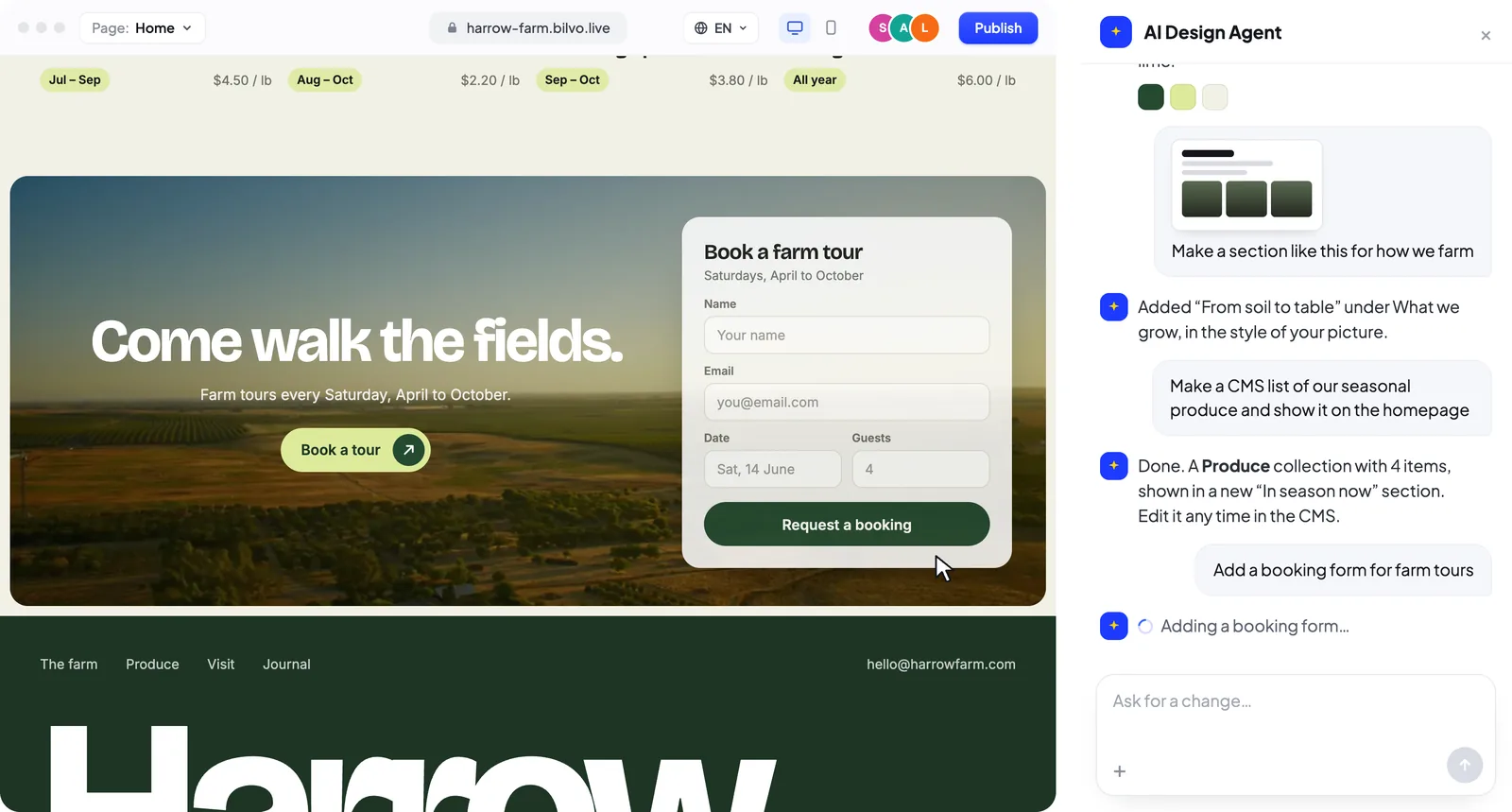
Contact forms, booking requests and multi-step forms. Messages go to your email from the start, with nothing to connect.
Free to start. Build up to 5 websites. No card needed.
No outside service to sign up for. Every form sends messages by itself.
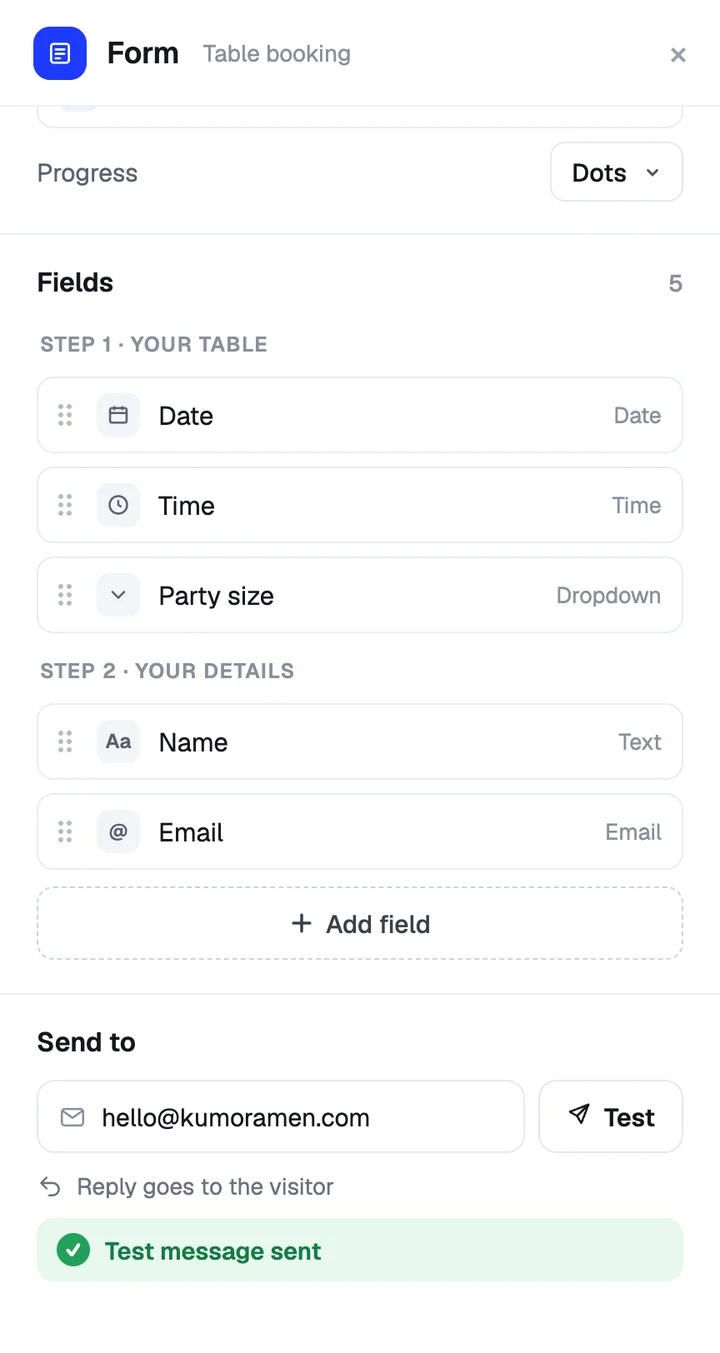
Ask the AI or drag one from Blocks. Add fields, drag them into order, or split it into steps.
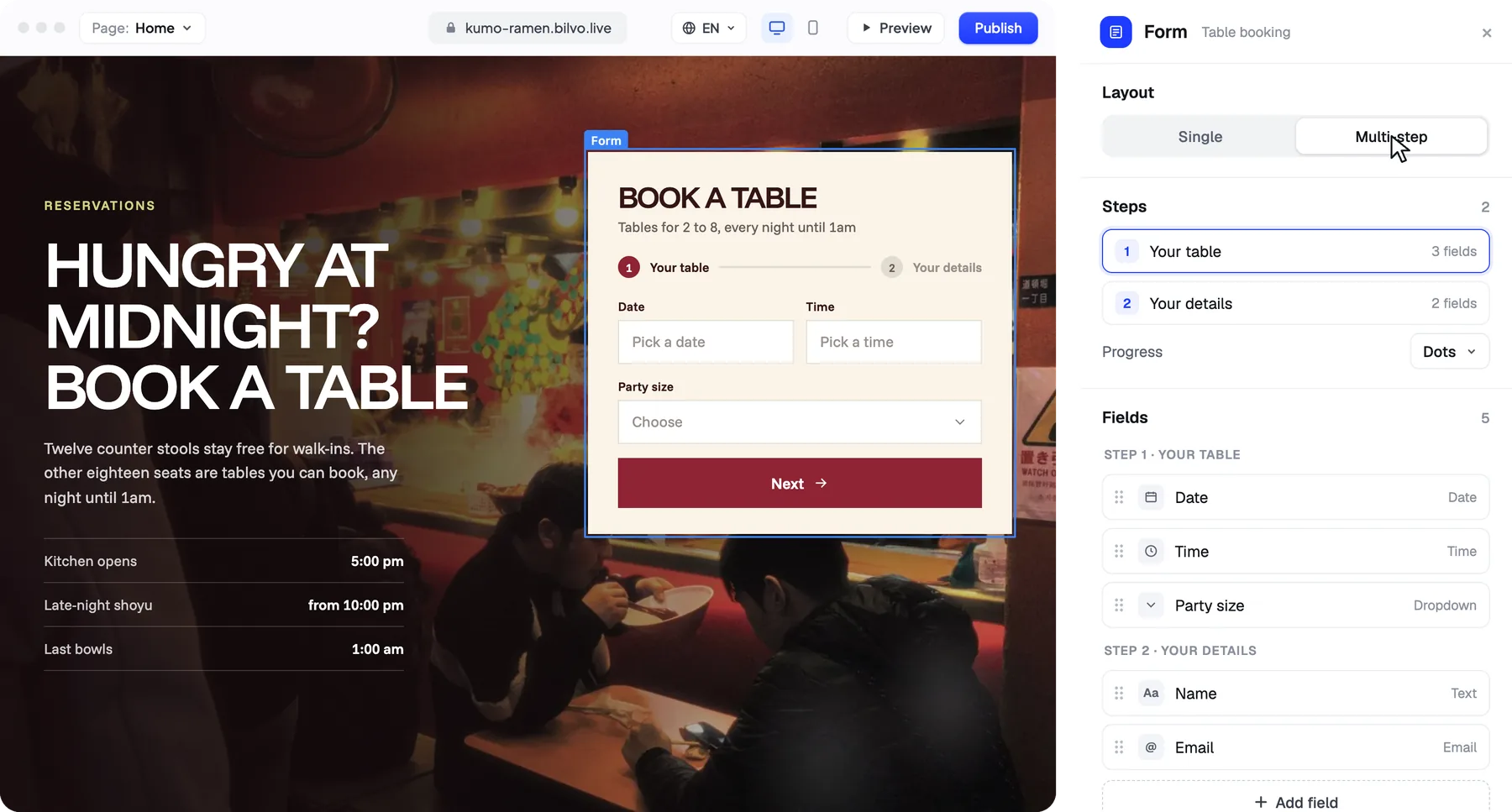
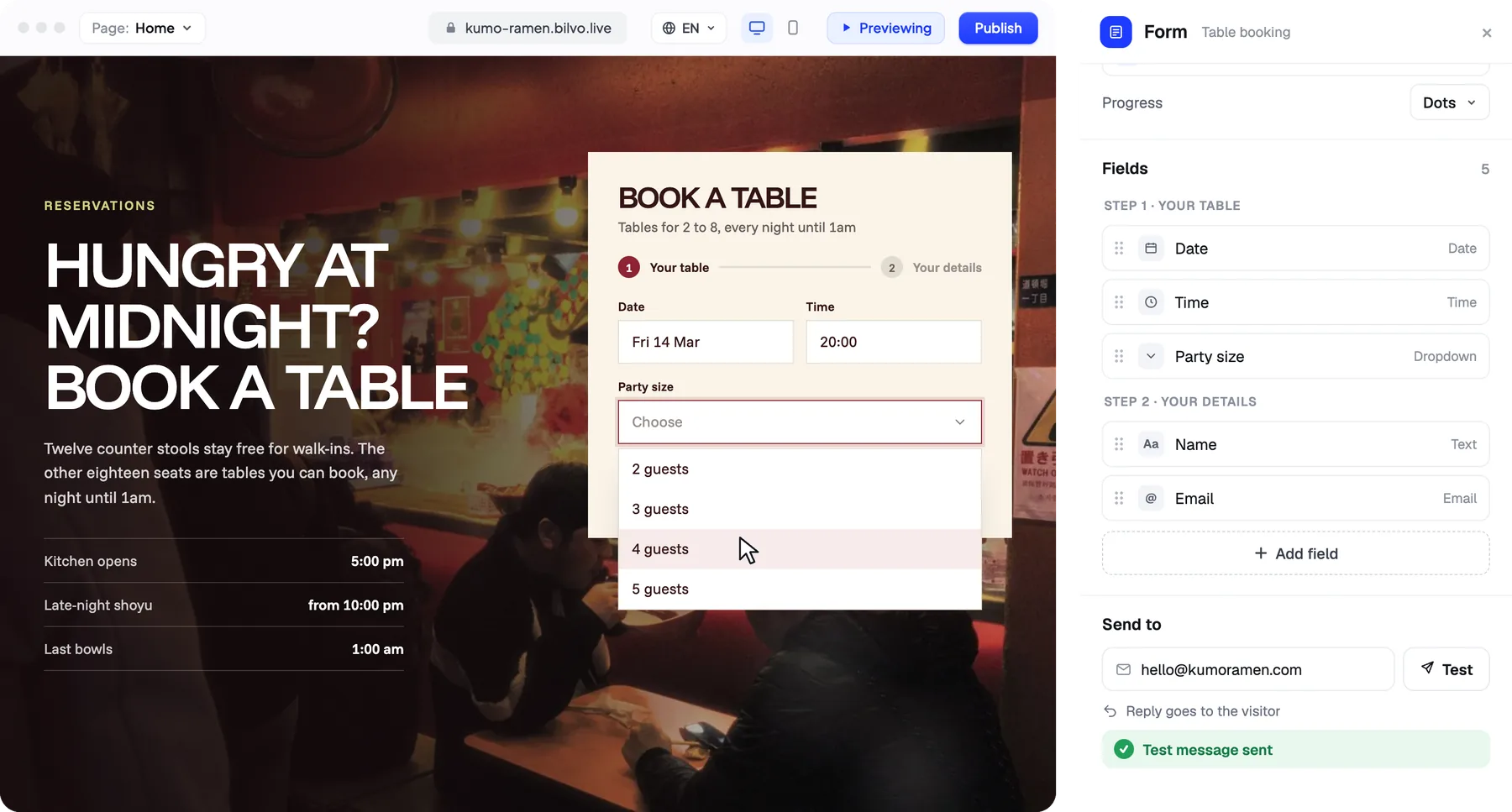
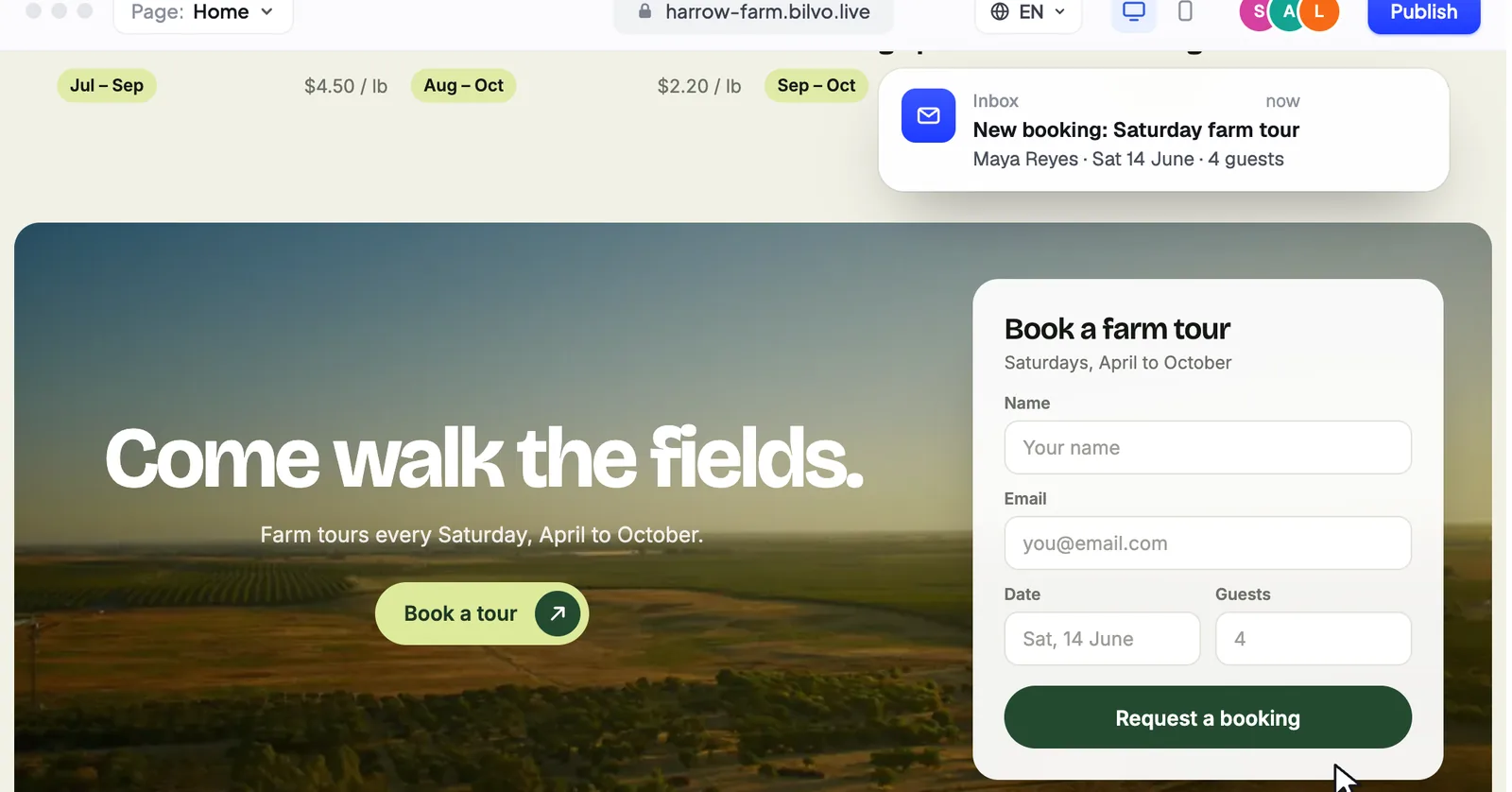
Clear steps, date and guest pickers, and a thank-you message when they’re done.
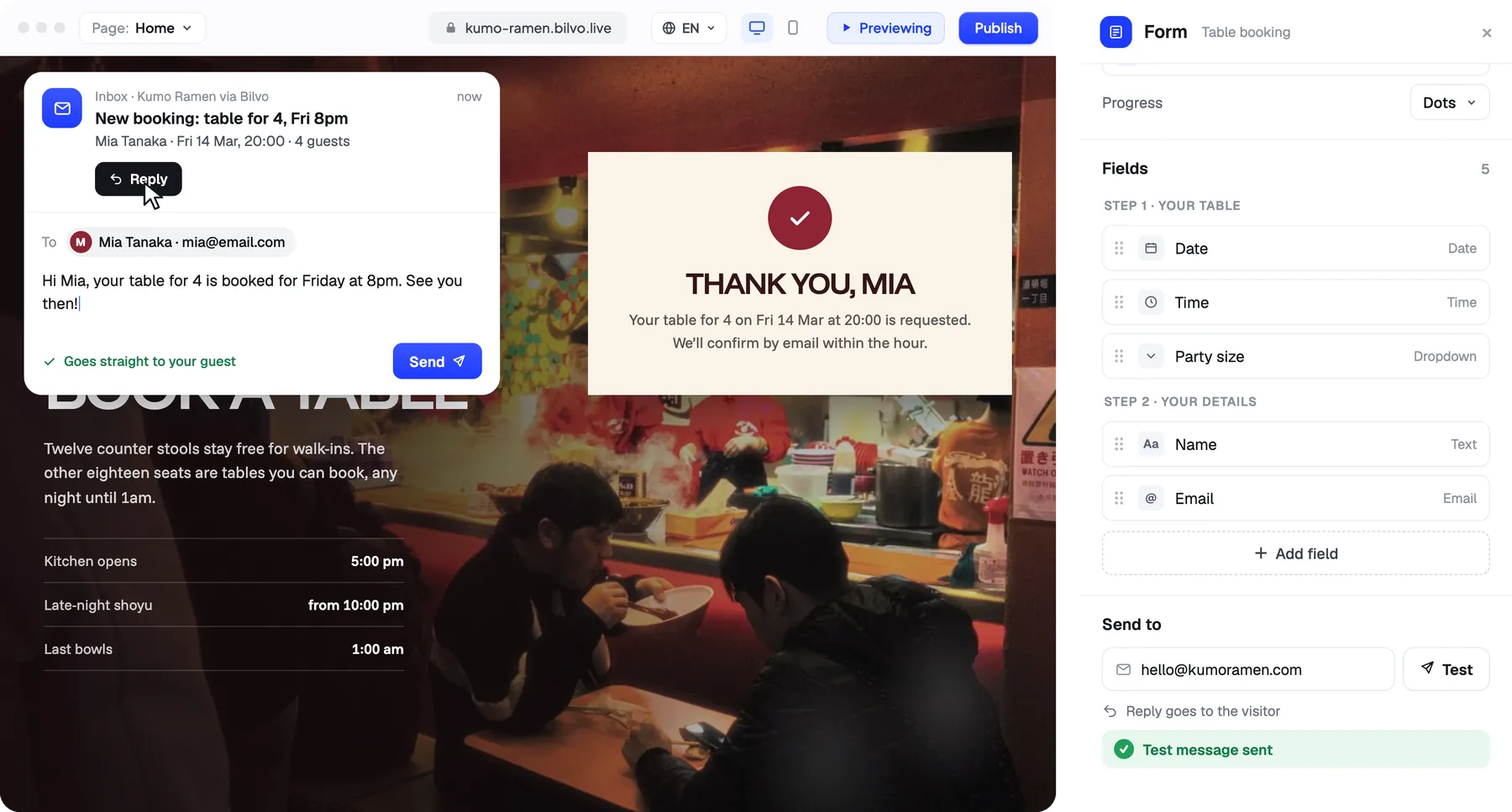
Every answer arrives by email, with the page it was sent from. Press Reply to answer the guest.
Works from the start.
Long forms in short steps.
Reply straight to the visitor.
Check it before going live.
From Blocks, or ask the AI.
Name, email, date or anything.
Straight to your inbox.
No. Bilvo forms work on their own. Messages go to your account email from the start.
To your account email. You can send them to another address once you confirm it, or to Zapier, Make, n8n or your own app.
Yes. Press Reply in your email app and your answer goes straight to them.
Yes. Ask the AI for “a quote request form with a Service dropdown” or “a booking enquiry form”, or build it from Blocks.