Languages

Your whole site, in every language your customers speak

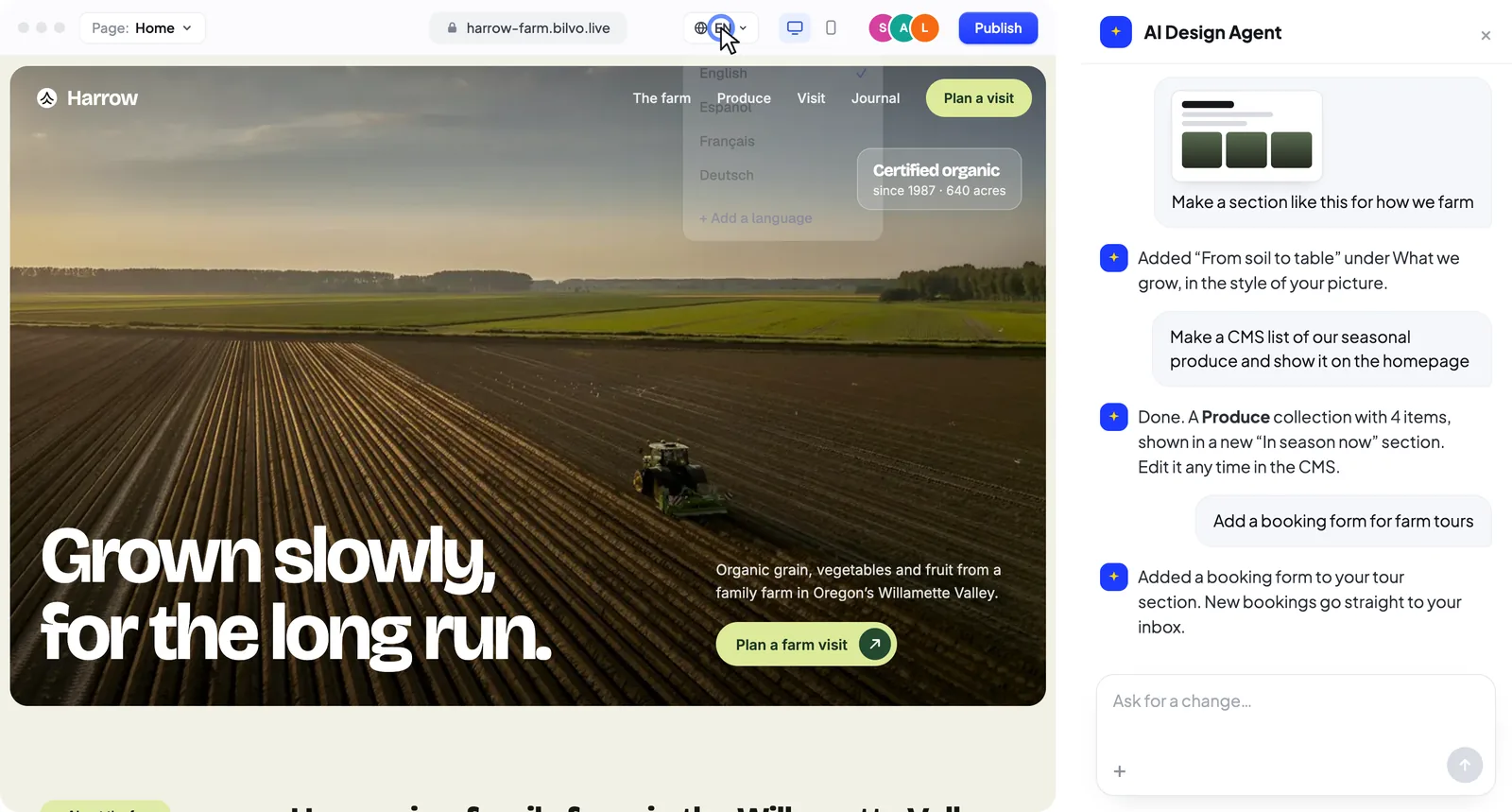
Add a language and the AI translates your pages. Edit any word yourself, and visitors switch in one click.

Free to start. Build up to 5 websites. No card needed.

Speak to every customer

More languages, more customers, the same simple site.

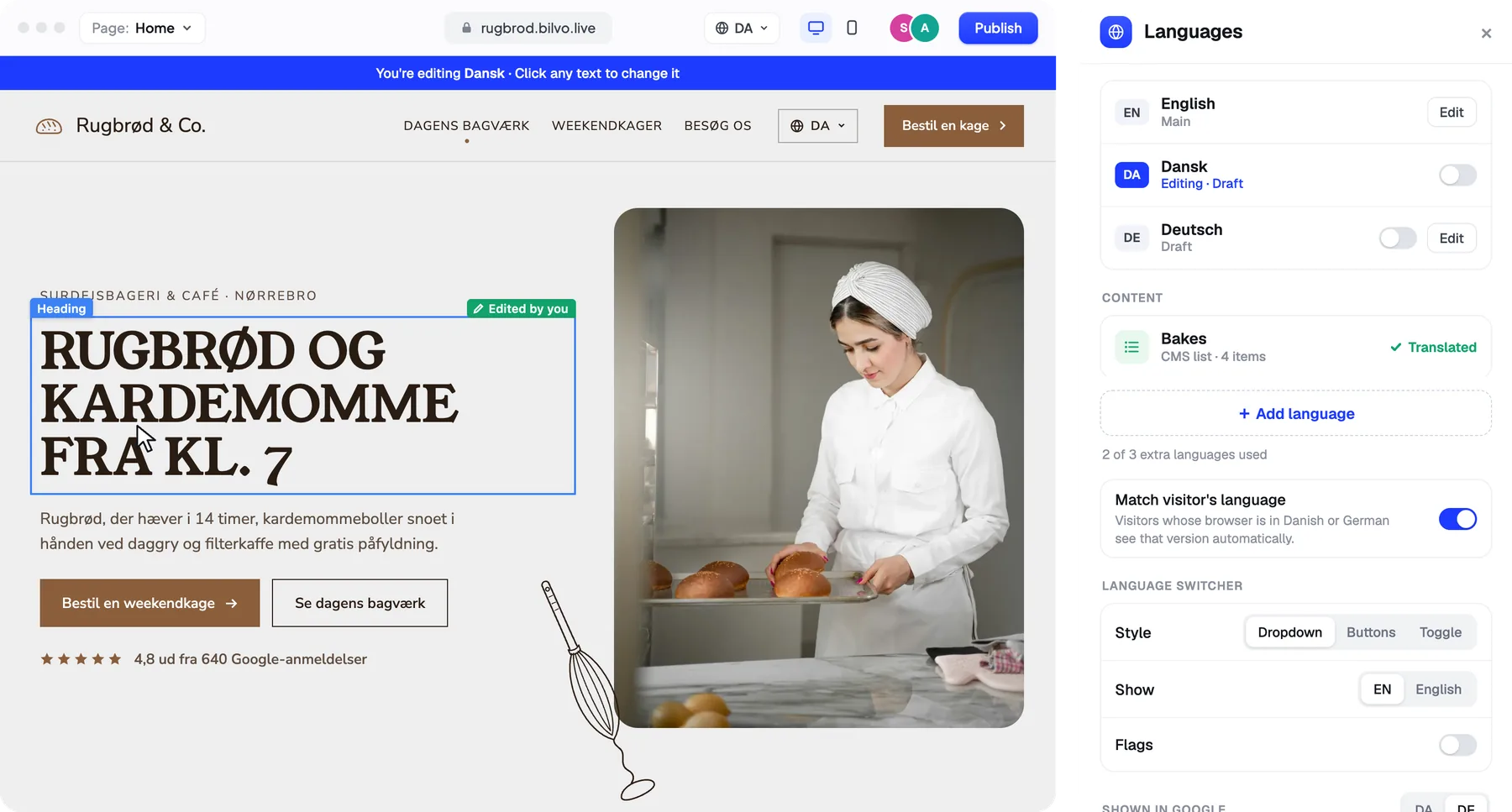
Translated by AI, checked by you

The AI translates your pages. Change any word yourself if you want it just right.

  • Edit any translated word
  • Your lists and blog posts translate too
The bakery site in Danish with a hand-edited headline

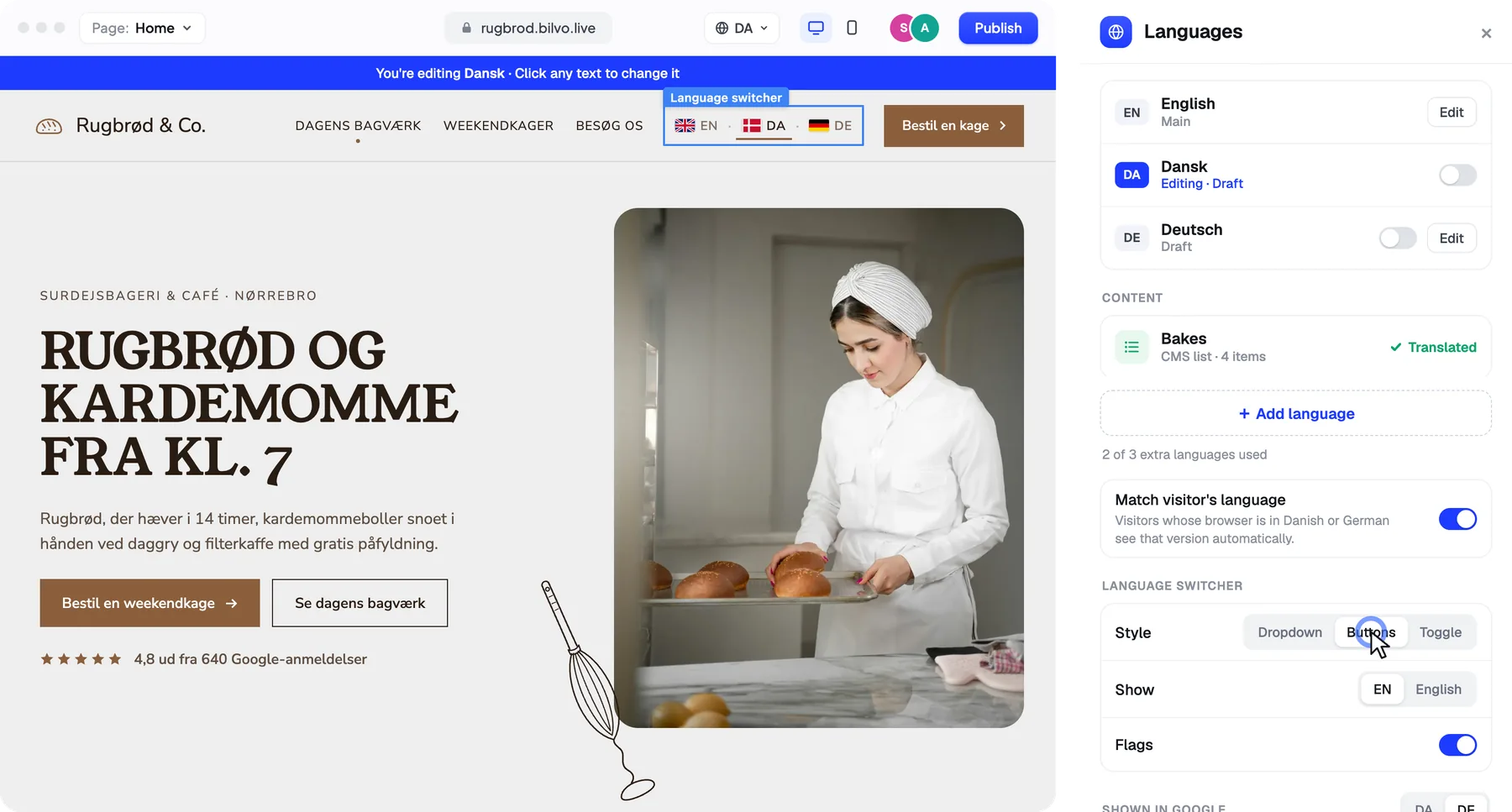
A language switch that fits your design

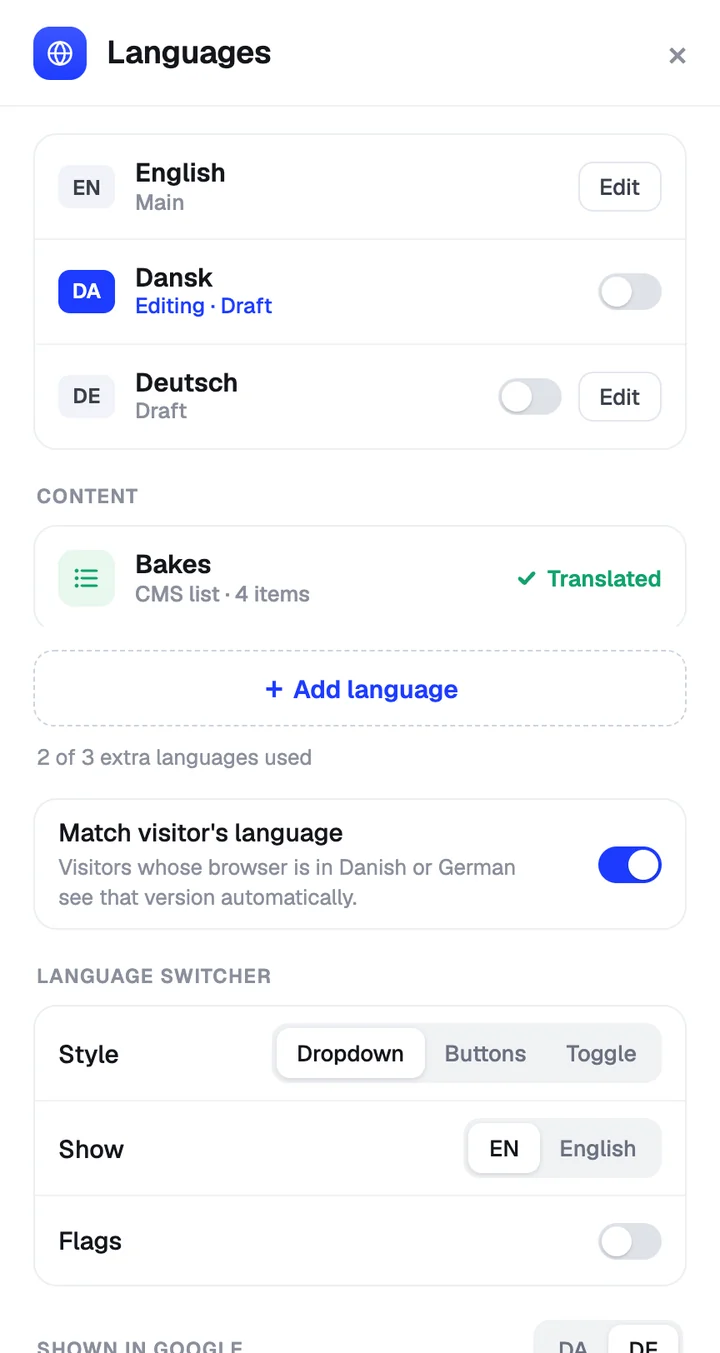
Choose how the switcher looks, and visitors change language in one click.

  • Dropdown, buttons or toggle
  • Each language gets its own address, like /de/
Choosing the language switcher style

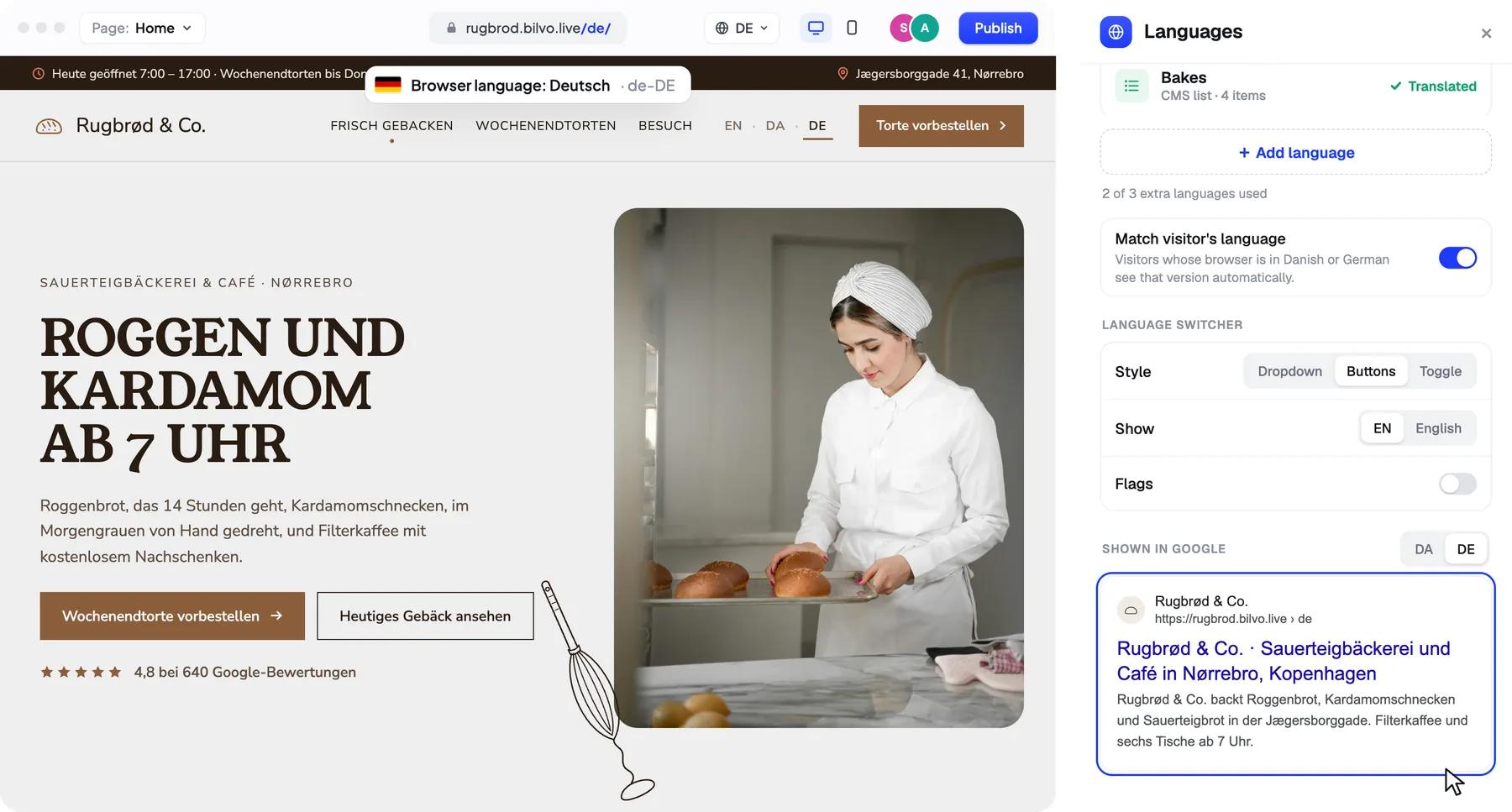
Visitors land in their language

People arrive in the language their browser uses, and Google shows your page in their language too.

  • Page titles and descriptions per language
  • Unlimited languages on every paid plan
The site in German with its Google preview

Also included

Unlimited languages

On every paid plan.

Own address per language

Like yoursite.com/es/.

Lists too

Blog posts get translated too.

Edit any word

You have the final say.

How it works

1

Add a language

Like Español or Français.
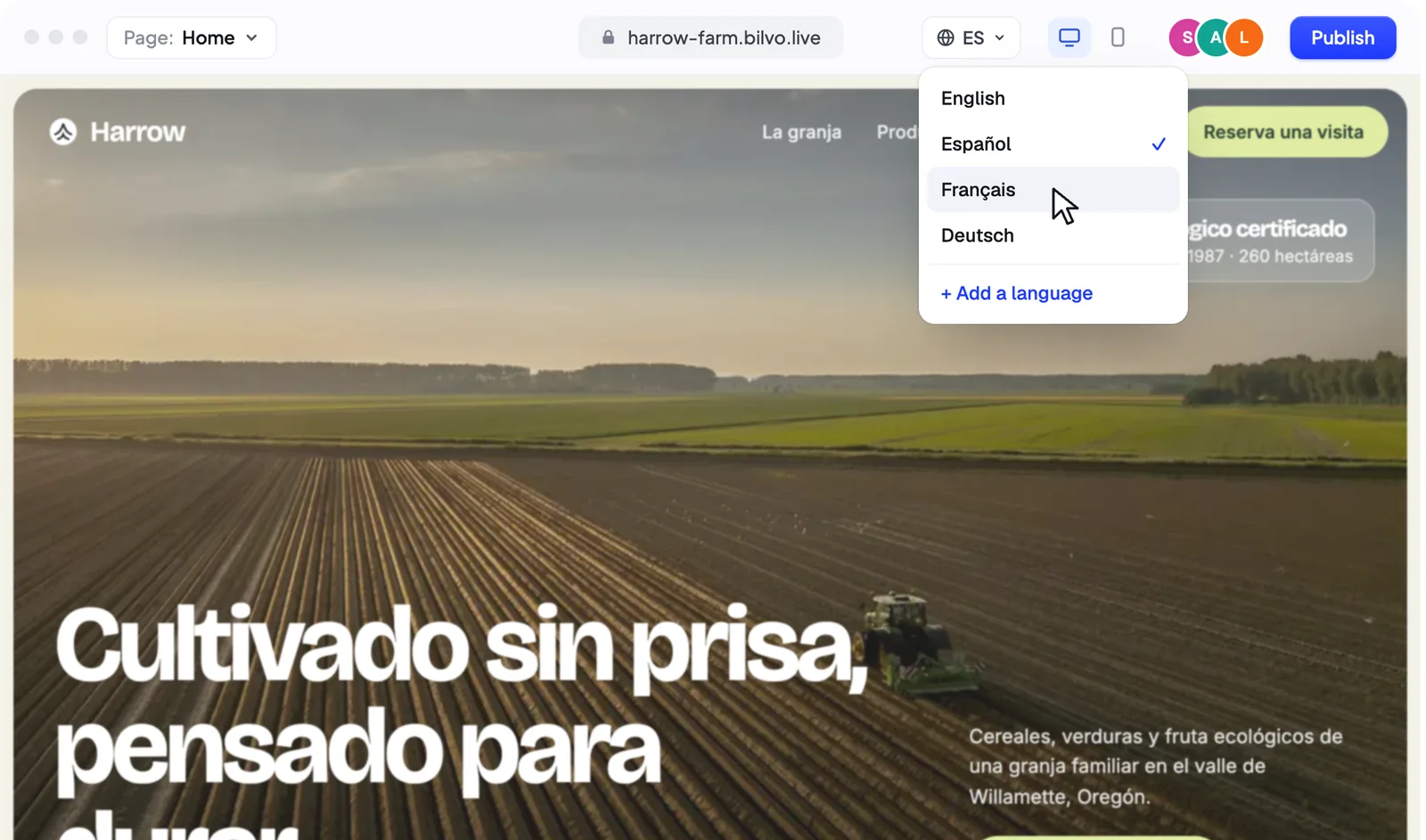
Add a language in Bilvo
2

Let the AI translate

Every page, menu and list.

Let the AI translate in Bilvo
3

Publish

Live in every language at once.

Publish in Bilvo

Questions

Short answers. More in the help center.

Read the full guide
How many languages can I add?

As many as your customers speak. Languages are unlimited on every paid plan.

Can I change a translation?

Yes. Edit any translated word yourself, right on the page.

Are blog posts and lists translated?

Yes. CMS items are translated along with your pages.

Does it cost extra?

No. There are no add-ons. Languages are part of every paid plan.
Languages

Speak to every customer. In their language.

  • Each language gets its own address
  • Unlimited languages