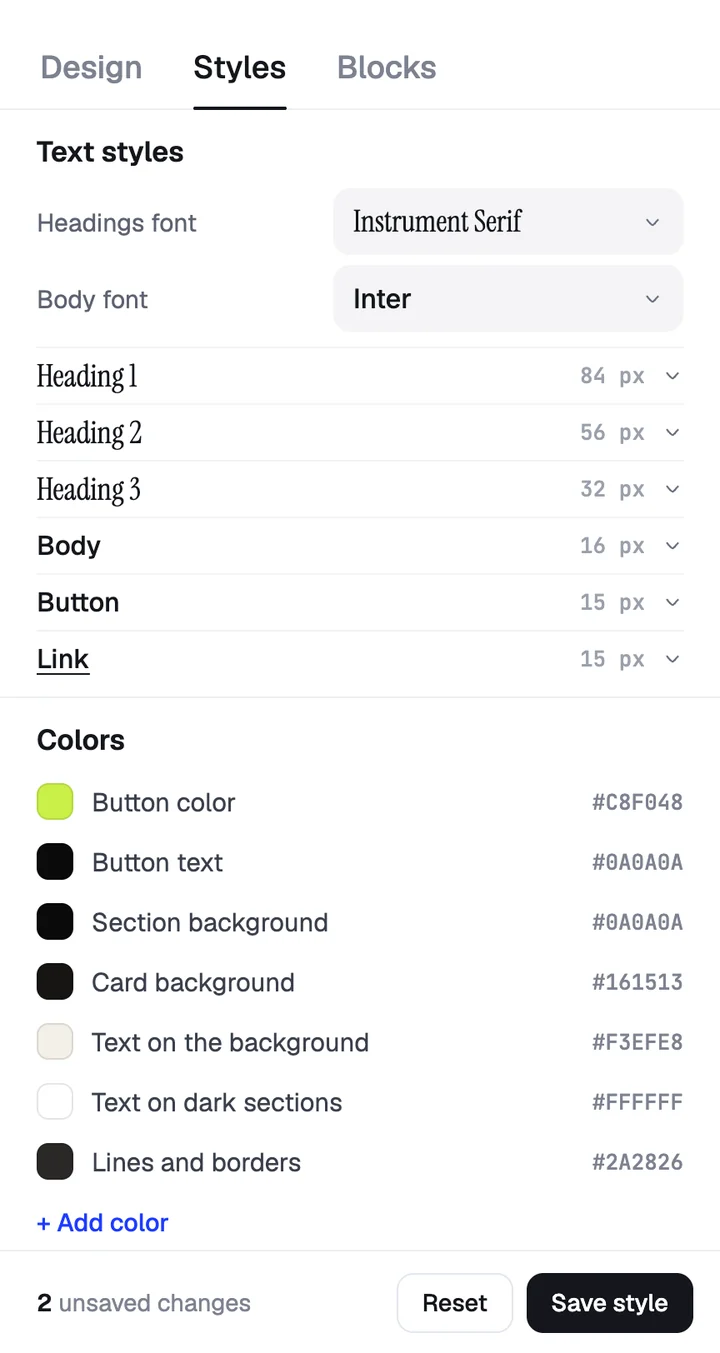
Pick a start
A template, the AI or a blank page.
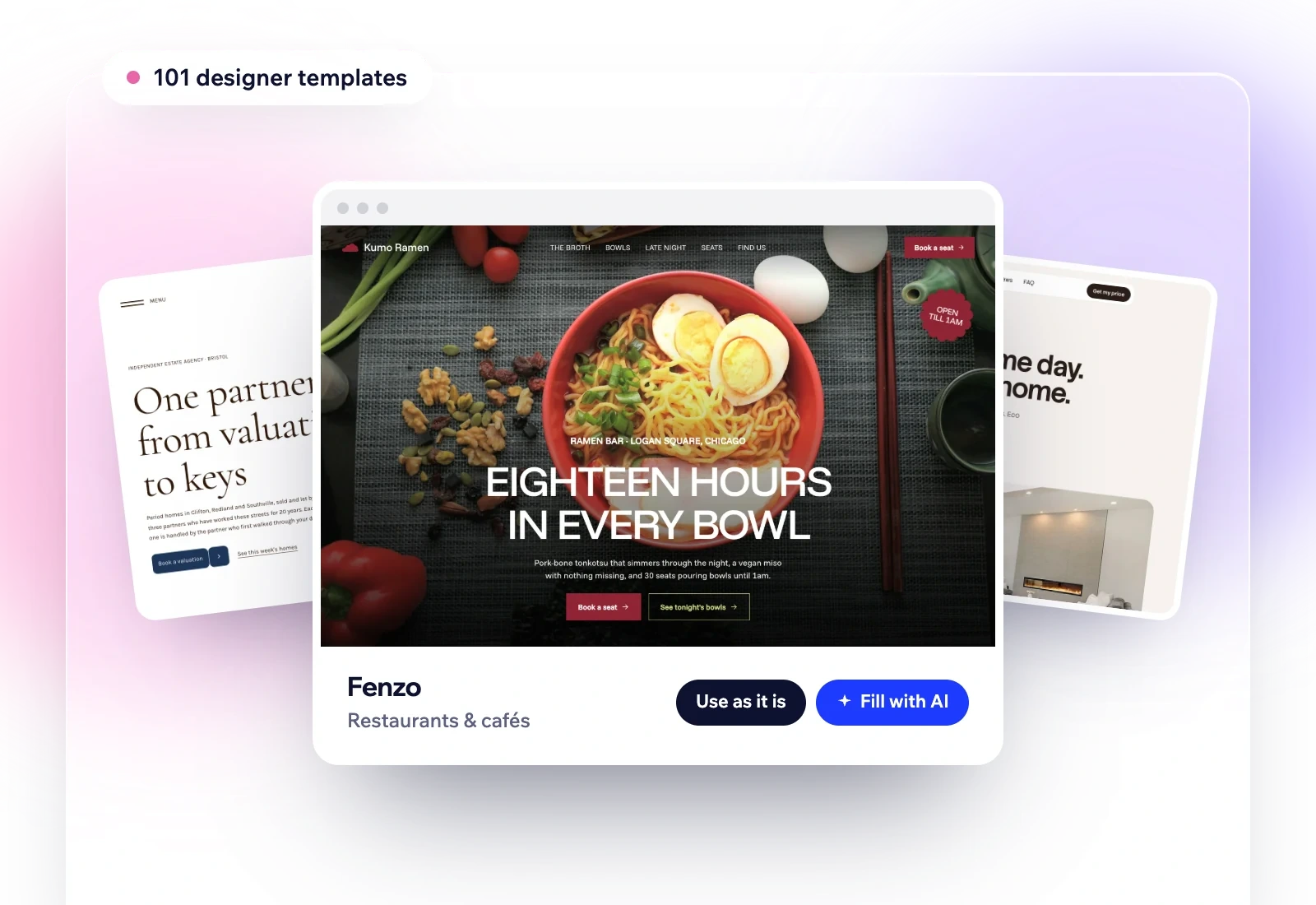
Text, photos, colours and layout, all by clicking. No code, and your site stays tidy on every screen.
Free to start. Build up to 5 websites. No card needed.
Every change fits your design, so the site keeps looking professional.
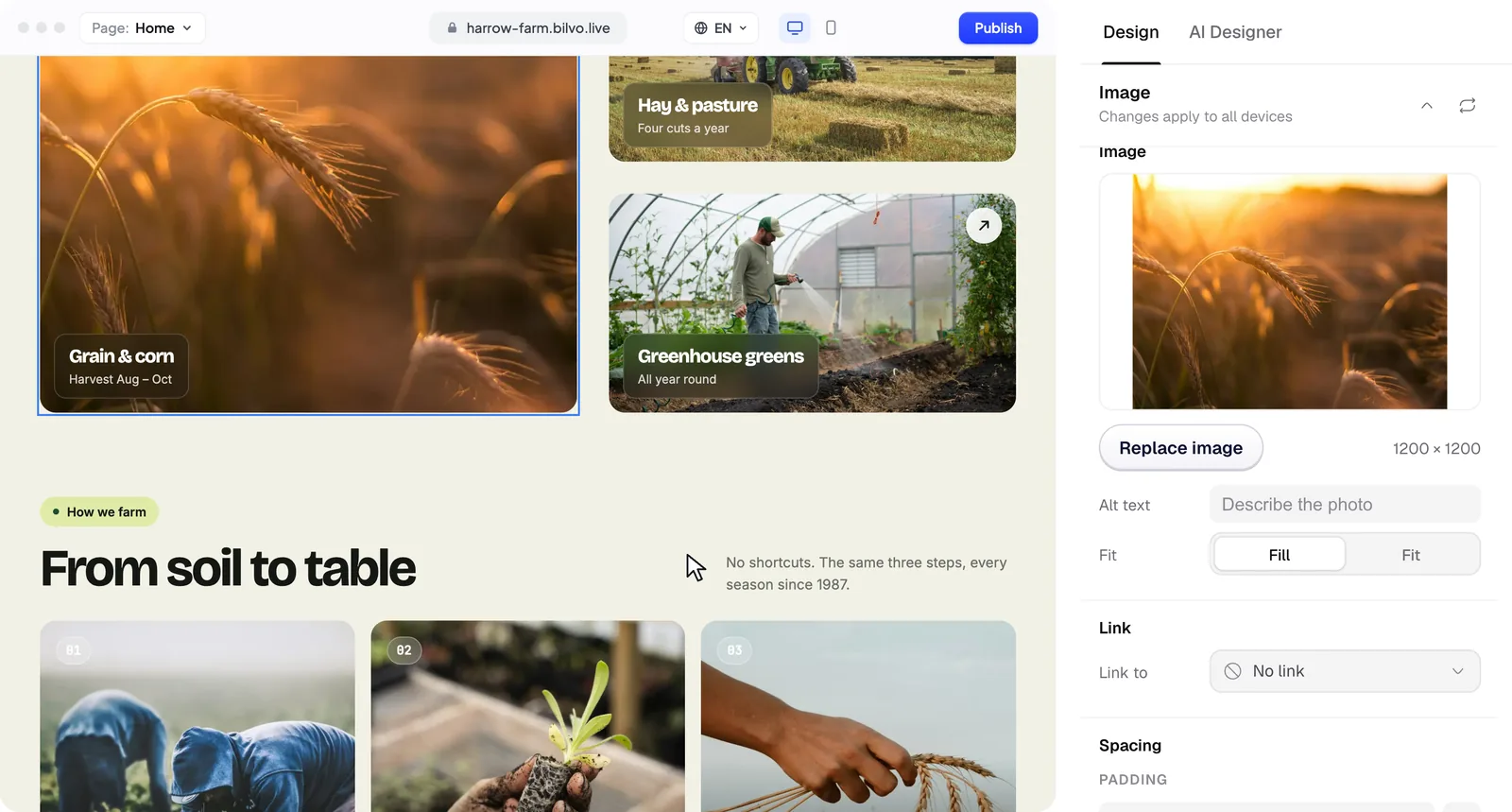
Click any text, photo or colour to change it. Swap a photo from the free library in two clicks.
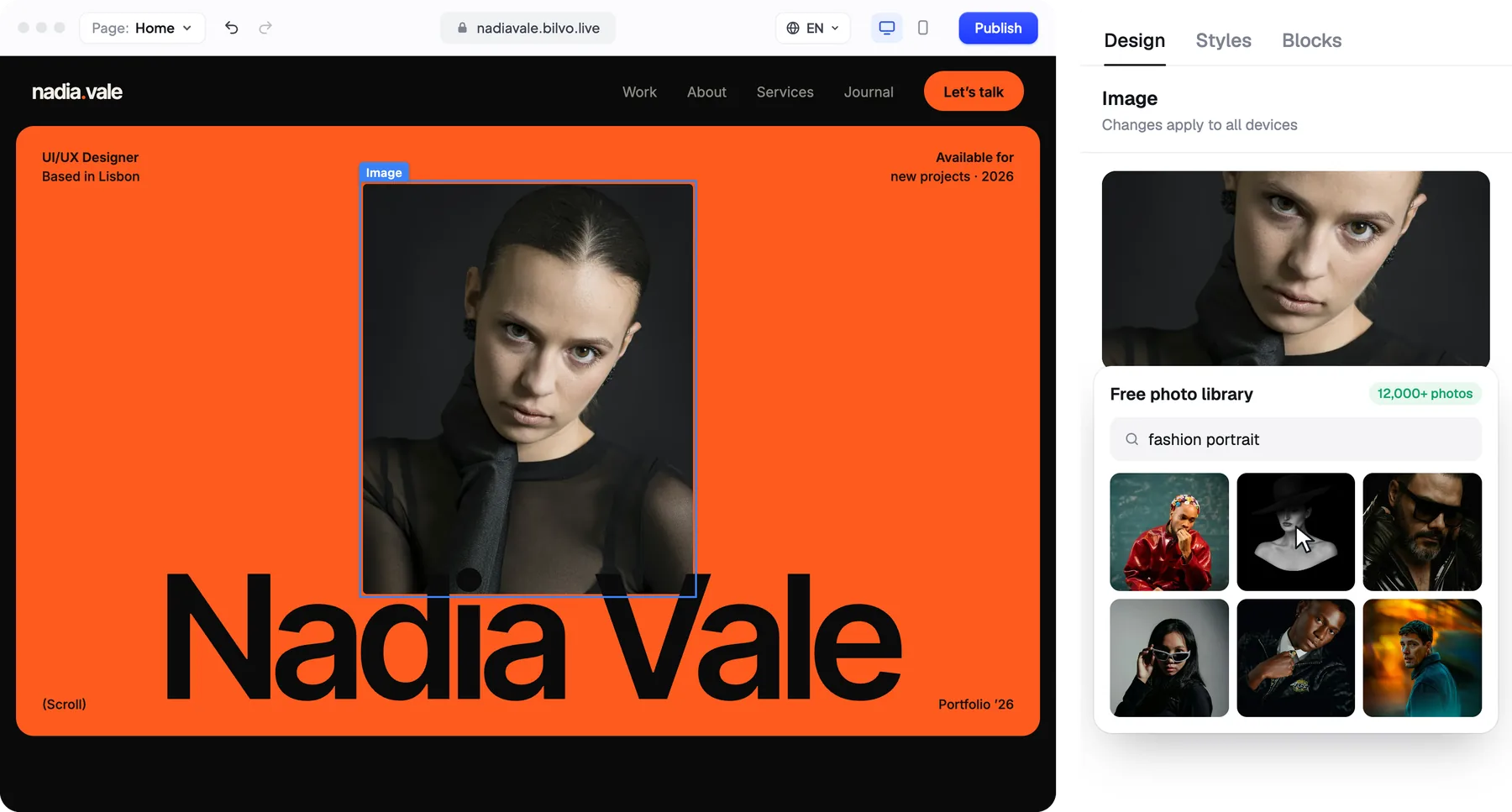
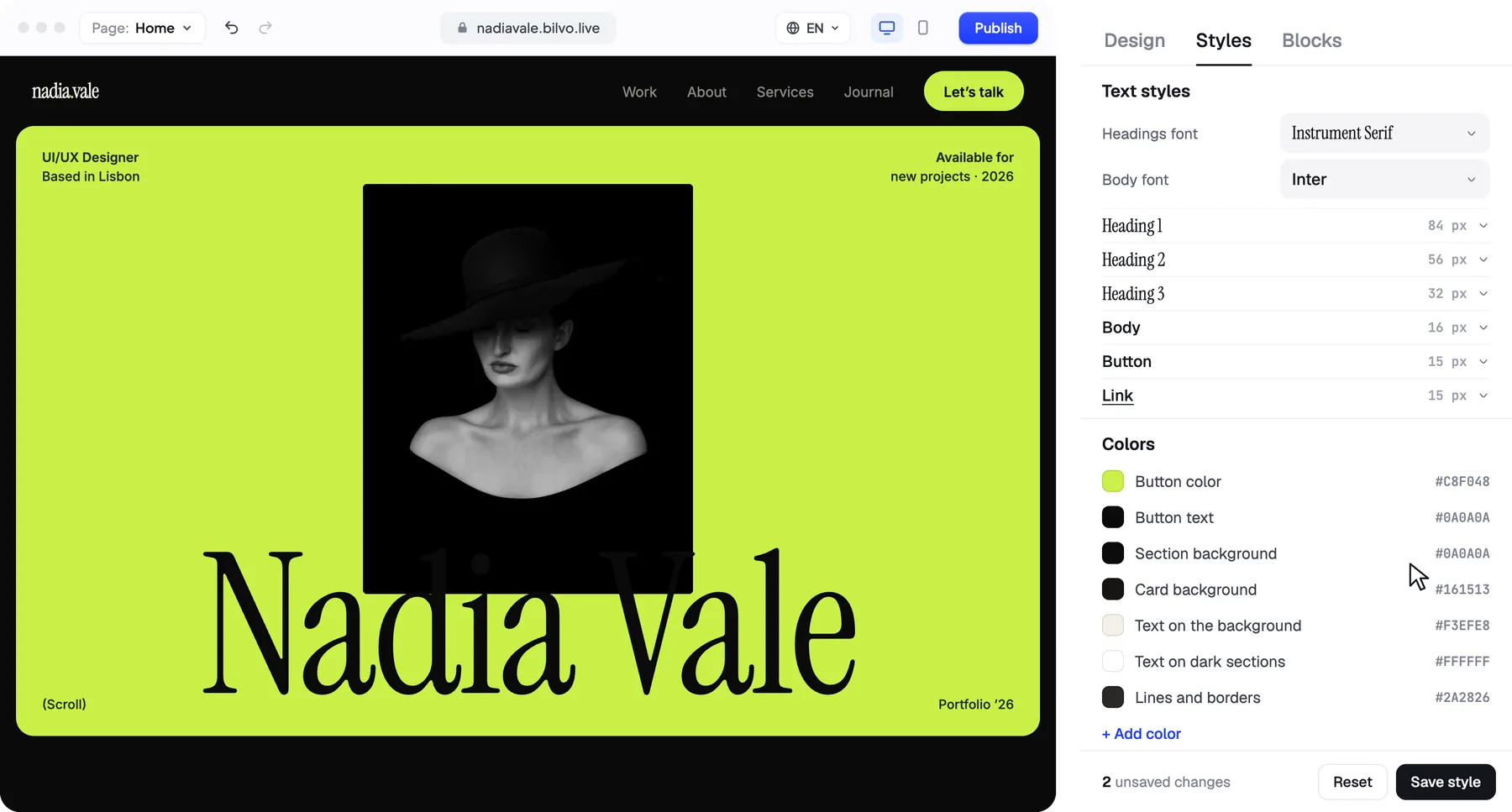
Change a colour or a font once, and every page of your site updates.
Drop in ready blocks like a testimonial slider. They arrive in your fonts and colours.
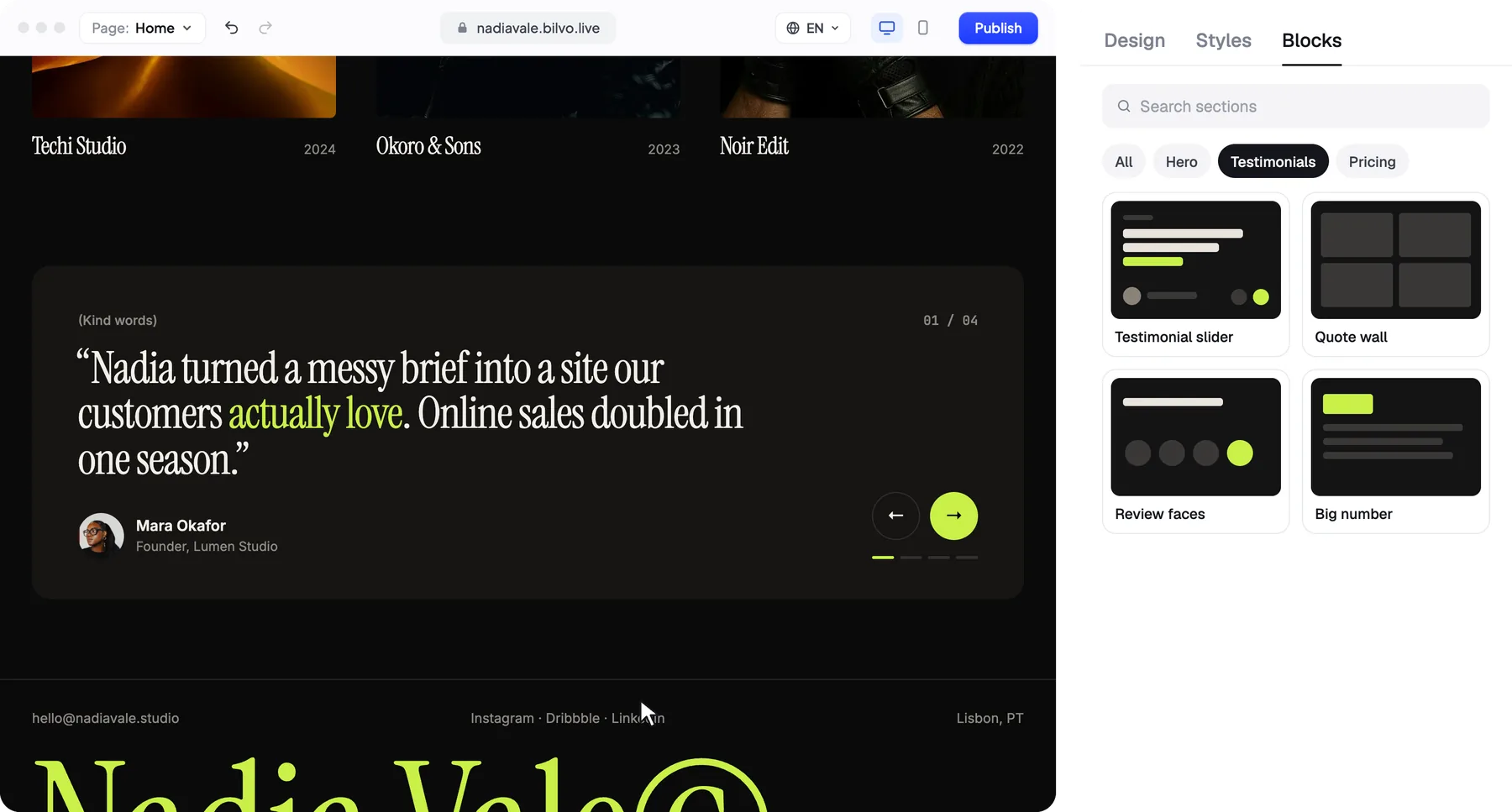
Change once, update everywhere.
Fades, floats and hover lifts.
Forms, sliders and more.
No save button. Undo any time.
A template, the AI or a blank page.
Change anything right on the page.
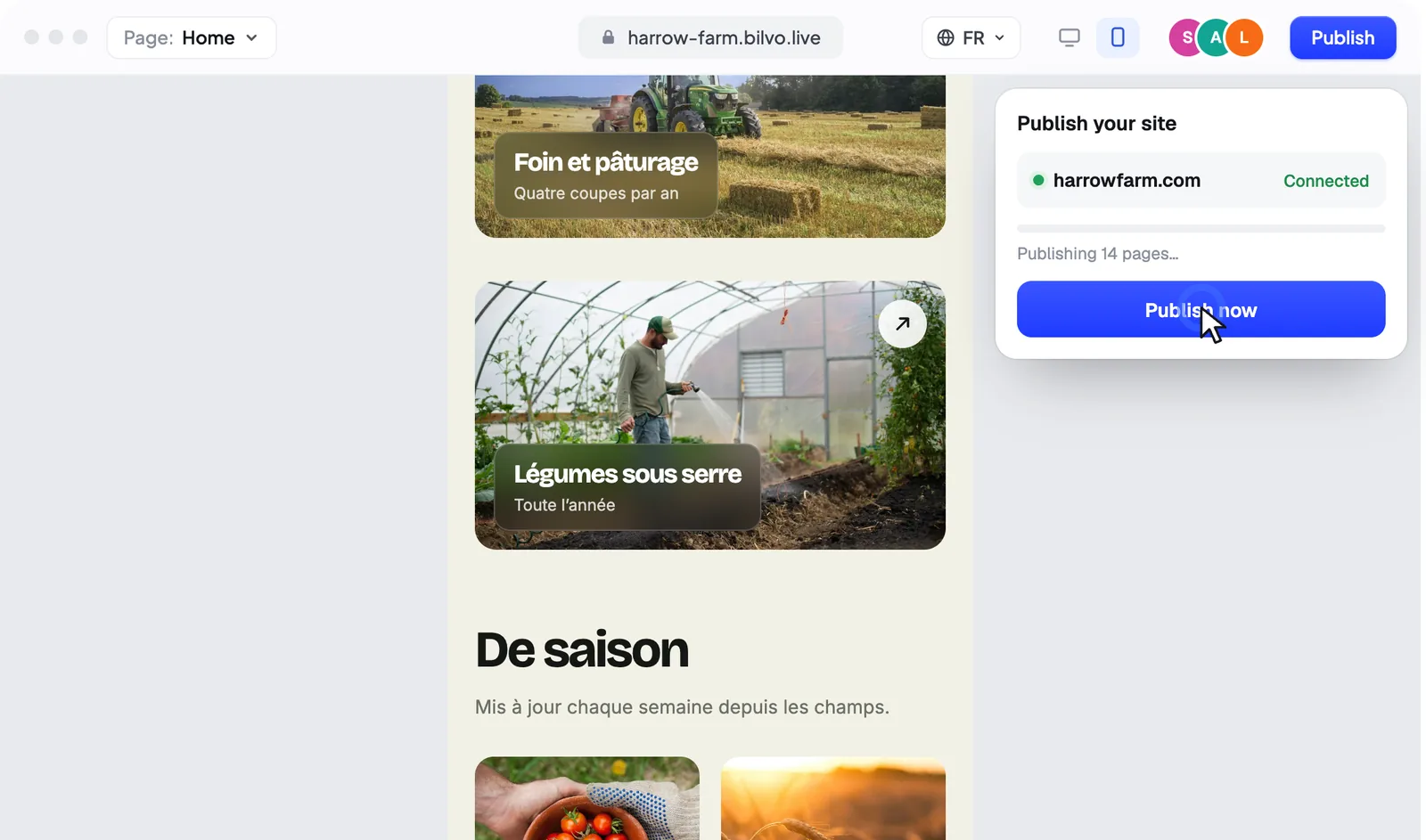
Your site goes live.
No. Everything works by clicking. If you ever want your own code, you can add it in Site settings.
Yes. It already works on phones and tablets. To fix one size, switch to Tablet or Phone and change it there, without touching desktop.
Yes. Open Styles, pick your colours and fonts, and every page updates at once.
Yes. Undo takes back your last change, and you can restore earlier versions too.