Why Is Webflow So Hard to Use? Easier Options (2027)
Why Webflow can feel hard to use, plus five builders compared on templates, AI, features and yearly cost, with prices as of November 2026.

Webflow's editor uses the CSS box model, classes and responsive breakpoints. Those concepts may be unfamiliar if you're new to web design, which can explain why Webflow is so hard to use for some people. All four builders offer templates or AI-assisted starting points. On monthly billing, Bilvo Solo is $9, Squarespace Basic is $25, Webflow Basic is $25 and Webflow Premium is $39. Framer Basic is $10 per month billed yearly.
Disclosure: Bilvo is our own product, and it is included in this comparison. We did not test these tools hands-on. This page is based on each product's public pricing, help and review pages, checked in November 2026.
Verdict: Consider Webflow if you want detailed style controls for elements, classes and breakpoints. The Premium Site plan includes up to 20,000 CMS items. Code export requires a paid Workspace plan. Bilvo is the better choice if you run a small business and want a template or AI to do the design, from $9 a month with unlimited editors and CMS items and up to 50 languages per site on paid plans.
Quick picks
- Bilvo: small businesses leaving Webflow that want a template or AI design help, from $9 a month.
- Squarespace: owners who want one all-in-one template site, $25 a month on monthly billing or $228 a year.
- Framer: designers who want visual layout and animation tools, from $10 a month billed yearly.
- Webflow Basic has no CMS and costs $15 per month billed yearly or $25 on monthly billing.
- Dorik: simple sites with AI generation, $29 a month on monthly billing or $249 a year.
Why is Webflow so hard to use?
Webflow's editor uses the CSS box model, classes and responsive breakpoints, which may be unfamiliar if you're new to web design. Webflow offers an introductory HTML and CSS guide that explains how web design concepts apply in its visual editor.
- Classes control styles. Webflow's help page on classes says editing a shared class affects elements using it, and combo classes can apply overrides.
- Screen sizes build on desktop. Desktop styles cascade to larger and smaller breakpoints. Preview each breakpoint and add overrides where needed.
- Features depend on the plan. Webflow's pricing page shows that Basic has no Webflow CMS. For a CMS-backed blog on a custom domain, Premium is the lowest standard paid Site plan.
- Templates still use classes. A Webflow template saves time, but you still edit it through the same class and style panels.
What are the alternatives to Webflow?
Four alternatives to Webflow are Bilvo, Squarespace, Framer and Dorik. All five builders offer templates or AI-assisted starting points, and Webflow offers both and provides editing controls for classes and breakpoints.
Here are five options, including Webflow, with the same details for each.
1. Bilvo (best for small businesses moving off Webflow)
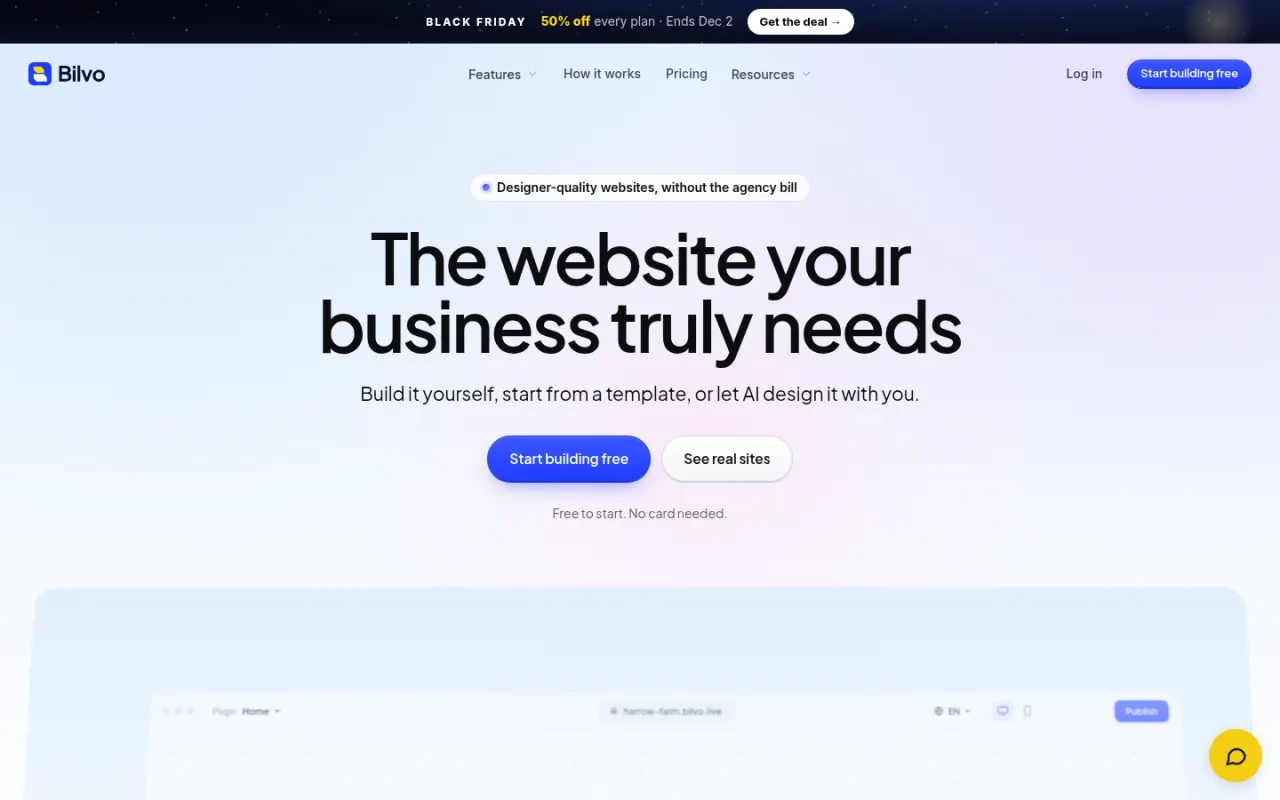
- Verdict: Bilvo is a low-cost option for a small-business site built from a template or with AI. Solo costs $9 per month or $84 billed yearly. Paid plans include unlimited editors and CMS items.
- Best for: cafés, local services, coaches and studios that want to click and type instead of styling classes.
- Strengths: 101 designer templates on every plan. An AI Design Agent that builds a homepage from a short description in about 15 minutes. Import an existing website from any platform by pasting its address into Bilvo.
- Trade-offs: A site on a bilvo.live address shows a small Built with Bilvo badge and is not shown in Google. Importing a site needs a connected AI plan. Included paid-plan AI credits refill monthly and expire if unused. Free includes a one-time grant of 150 credits.
- Price (as of November 2026): Solo is $9 a month, or $84 a year, for 1 live site (see Bilvo's pricing page).
Bilvo gives you four ways to start: a blank page, the AI, a template, or an import of your current site. The AI Design Agent changes only the part you ask about, and you can undo any change in one click. Editing by hand never uses AI credits, and Solo includes 500 credits a month.
Bilvo can import Webflow pages, text and photos: you paste the site's address and Bilvo copies it in, up to five pages on Free or 30 per import on paid plans (see the guide to importing your website). Each blog or other list brings its first 10 items. Add the rest from a spreadsheet.
Not the right pick if you need built-in checkout. Bilvo has product listings and forms.
2. Squarespace (best for an all-in-one template site)
- Verdict: Squarespace bundles templates, hosting and selling tools in its website subscription.
- Best for: owners who want a polished template and may add a shop later.
- Strengths: four plans from Basic to Advanced. Plans include unlimited bandwidth. Annual plans include one year of registration for an eligible domain claimed within the first subscription year, and standard domain renewal rates apply afterward.
- Trade-offs: Squarespace's pricing page lists 2 contributors and 10 one-time AI credits on Basic. Selling with lower fees needs a higher plan.
- Price (as of November 2026): Squarespace Basic costs $25 on monthly billing or $228 per year, equivalent to $19 per month, per Squarespace's pricing page.
3. Framer (best for designers who want animation tools)
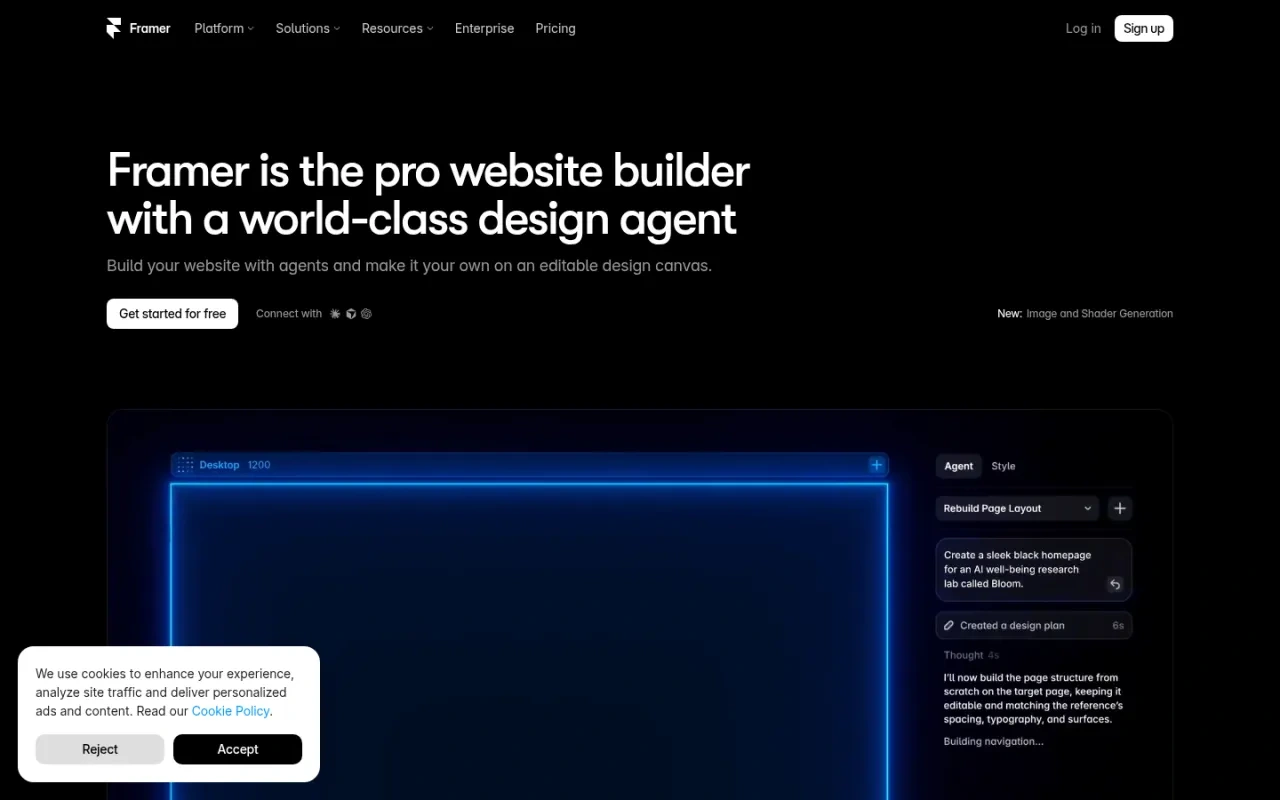
- Verdict: Framer is a visual website builder with a free plan, AI credits and a CMS.
- Best for: startups and designers who want animated, modern pages without managing CSS classes.
- Strengths: Framer Free includes a Framer domain and 500 credits to try Agents in a workspace with no active subscription, per Framer's AI credit guide. Basic includes 1,000 CMS items. Basic and Pro support up to 10 users with edit access, per Framer's Site plans guide.
- Trade-offs: Basic caps the site at 30 pages. The workspace owner is free, and additional editors are billed separately at $20 a month (content editors $10), per Framer's billing guide. On Basic and Pro, Framer charges $20 per month per added translation locale. Free includes one locale to try.
- Price (as of November 2026): Framer Basic costs $10 per month when billed yearly, per Framer's pricing page.
4. Webflow (best for designers who need full control)
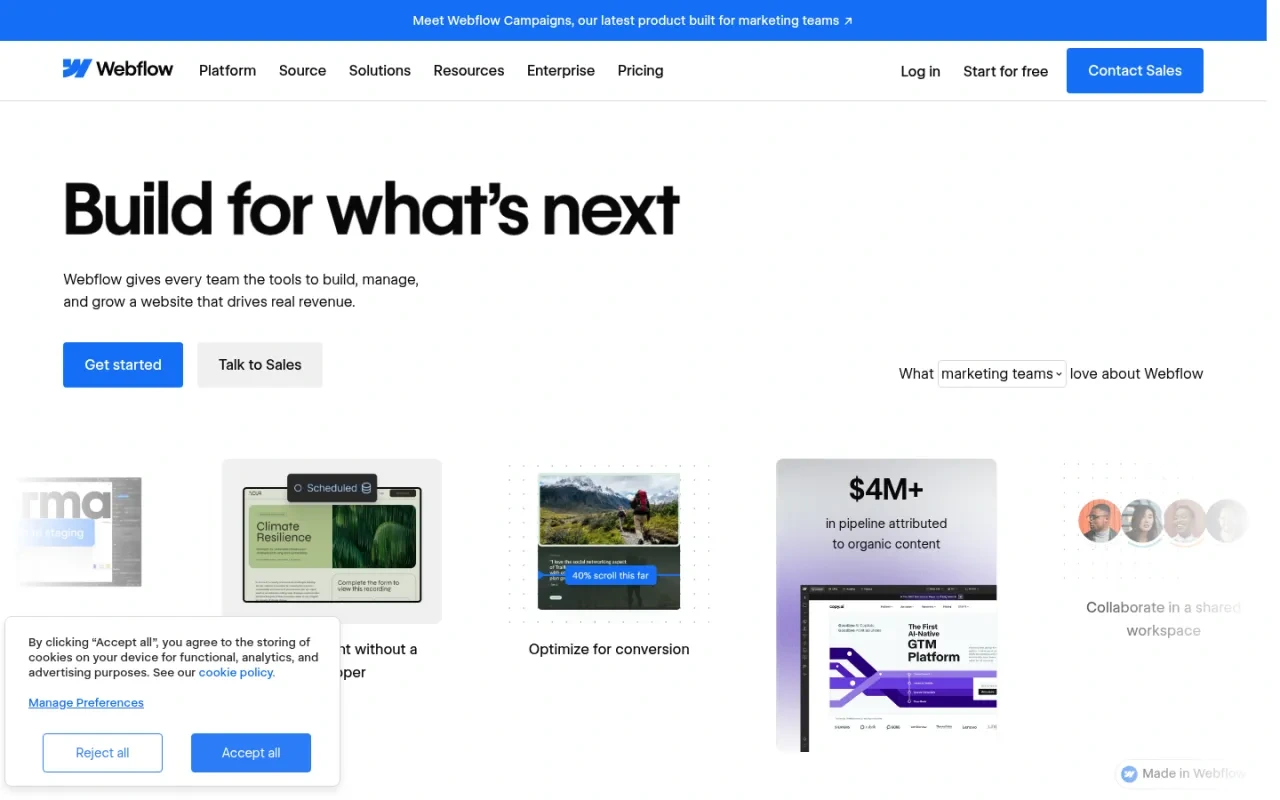
- Verdict: Webflow offers detailed control over element styles, shared classes and responsive breakpoints, and familiarity with CSS can help when using those controls.
- Best for: designers, agencies and marketing teams with someone who knows CSS.
- Strengths: Premium includes 20,000 CMS items in 40 collections. Code export on paid Workspace plans. An MCP server for AI tools.
- Trade-offs: Basic has no CMS. The owner's Full seat is included, and additional paid Workspace seats cost $39 for Full or $15 for Limited per month billed yearly, or $45 and $19 monthly, per Webflow's seat pricing update. Reviewer seats and eligible agency or freelancer guest access are free, per its seats and roles guide. Localization starts at $9 a month extra.
- Price (as of November 2026): Basic is $25 a month or $15 billed yearly. Premium is $39 a month or $25 billed yearly, per Webflow's pricing page.
5. Dorik (best for simple sites with AI generation)
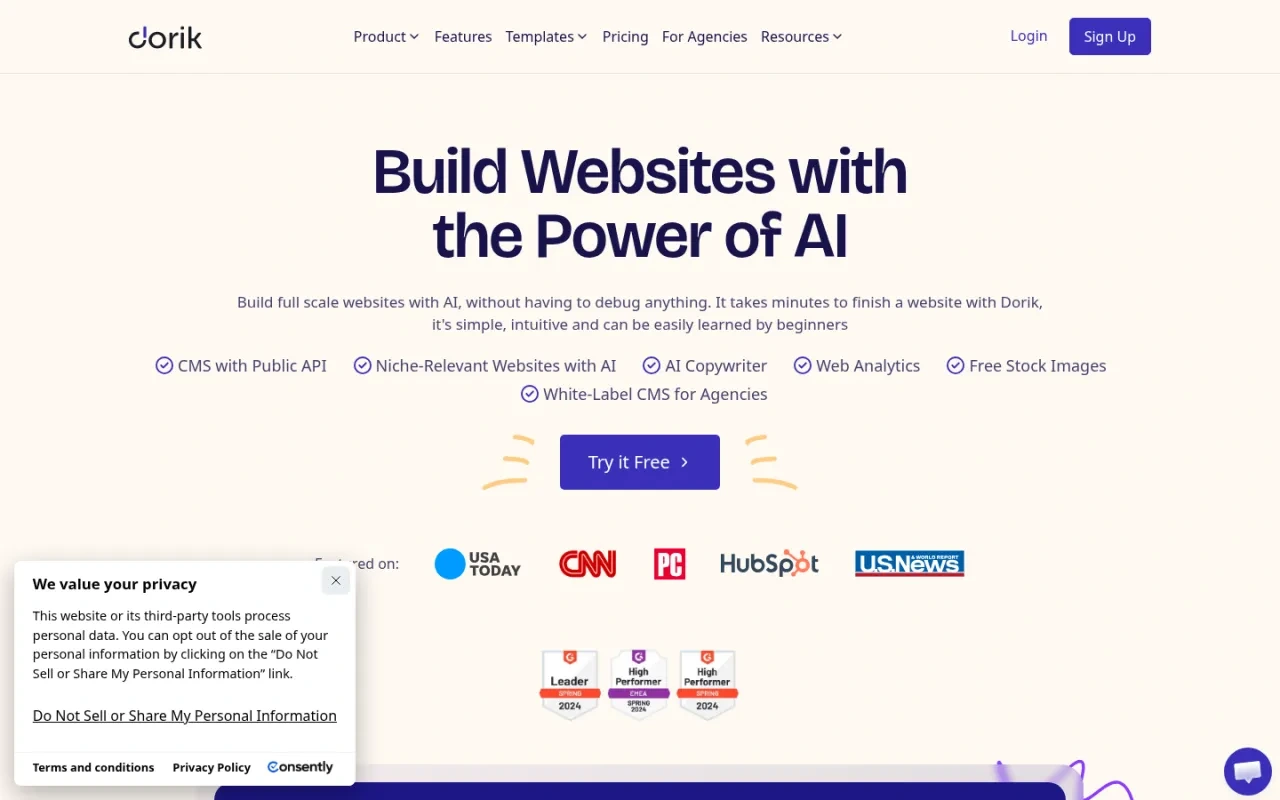
- Verdict: Dorik is a no-code builder with AI website generation on every plan, suited to small sites with modest content needs.
- Best for: solo owners who want a quick, simple site and a short blog.
- Strengths: unlimited storage and bandwidth on all plans. Essential allows 5 sites on Dorik addresses, plus 1 custom domain.
- Trade-offs: Essential caps each site at 25 pages, 50 blog posts and 50 CMS items, with no collaborators.
- Price (as of November 2026): Dorik Essential costs $29 on monthly billing or $249 per year, equivalent to $20.75 per month. Dorik also lists a two-year option equivalent to $10.38 per month, per Dorik's pricing page.
What does each option cost over one year?
In this scenario, at regular prices with one additional in-house content editor, Bilvo Solo is the lowest at $84 per year and Dorik Plus is the highest at $498. Webflow Premium with one Limited seat totals $480 per year. This is our own sum from each pricing page.
Assumptions: one site on your own domain, a blog, the owner plus one additional in-house helper who only edits content, billed yearly at regular prices, no online store.
- Bilvo Solo: $84 a year. Editors and CMS items are unlimited, so the helper costs nothing. Total: $84.
- Framer Basic: $120 per year, plus $10 per month for a Content Editor. Total over 12 months: $240.
- Squarespace Basic: $228 per year, with 2 contributors included. Total: $228.
- Dorik: Essential has no collaborators, so you need Plus at $498 a year. Total: $498.
- Webflow Premium: $300 per year, plus $180 per year for a Limited seat. Total: $480. Eligible Webflow agency or freelancer guest access can keep the host's cost at $300.
If nobody else edits, Webflow Premium drops to $300 and Framer to $120. Bilvo stays at $84 either way. Its plans differ only in live sites and AI credits.
Which one should you choose?
Choose based on who will edit the site and what it needs to do.
- You have a designer who knows CSS and wants full control: Webflow.
- You want to sell products with a checkout: Squarespace.
- You are a designer who wants animated pages and visual layout tools: Framer.
- You need a tiny site and a short blog with AI generation: Dorik, or Bilvo, which also fits a one-page site and costs $84 a year against $249 for Dorik Essential.
- You run a small business and want a template or AI to design it: Bilvo.
- You are leaving Webflow and want up to 30 pages per import brought across on a paid plan, or five on Free: Bilvo.
FAQ
Can I use Webflow for free?
Yes. Webflow's free Starter plan publishes to a webflow.io address with 2 static pages, 50 CMS items, 1 GB of bandwidth and 50 form submissions. A custom domain needs a paid site plan.
Can Webflow export code?
Yes, but only on paid Workspace plans. Webflow's code export guide says CMS content is not included. Collections can be exported separately as CSV files.
How do I cancel my Webflow subscription?
Cancel a paid Webflow Site plan in Site settings, per Webflow's Site plan cancellation guide. To cancel a paid Workspace plan, remove team members and seats, then downgrade to Starter in the Workspace's Plans tab, per its Workspace plan guide. Renewals are non-refundable under Webflow's refund policy, subject to applicable consumer rights, so cancel before the renewal date.
Framer or Webflow: which should I pick?
Framer offers visual layout and animation tools, and Basic costs $10 per month when billed yearly. Webflow offers class and breakpoint controls. Webflow Premium includes 20,000 CMS items, Framer Basic includes 1,000, and Framer Pro supports up to 40,000 with add-ons.
Does Webflow have AI and an MCP?
Yes. Webflow has AI features and an official MCP server that lets AI tools like Claude work with your site.
Want to edit a site by clicking and typing or by asking AI for changes? Start building on Bilvo for free.
How this guide was made: prices and features were taken from each product's public pages in November 2026 and checked against those pages before publishing. It was written by the Bilvo team with AI assistance. We did not test these products hands-on. Bilvo is our own product.
Build your website with Bilvo
Free to start. No card needed.