Import your current website
Bring your existing site into Bilvo with the same look, then edit and publish it here.
What you need
- Your website's address
- The right to use that website
- Bilvo AI credits (they come with every plan), or your own connected AI
Import any website: WordPress, Wix, Squarespace, Framer, Webflow, Shopify, a custom build and more. Bilvo copies your site's look and content, then the AI organises it so you can edit it here.
Pick Import my site
Click New site, then Import my site. You'll see Bring your website in.
Type your address
Type your website's address and tick This is my website, or I have the right to use it. Add notes if you like.
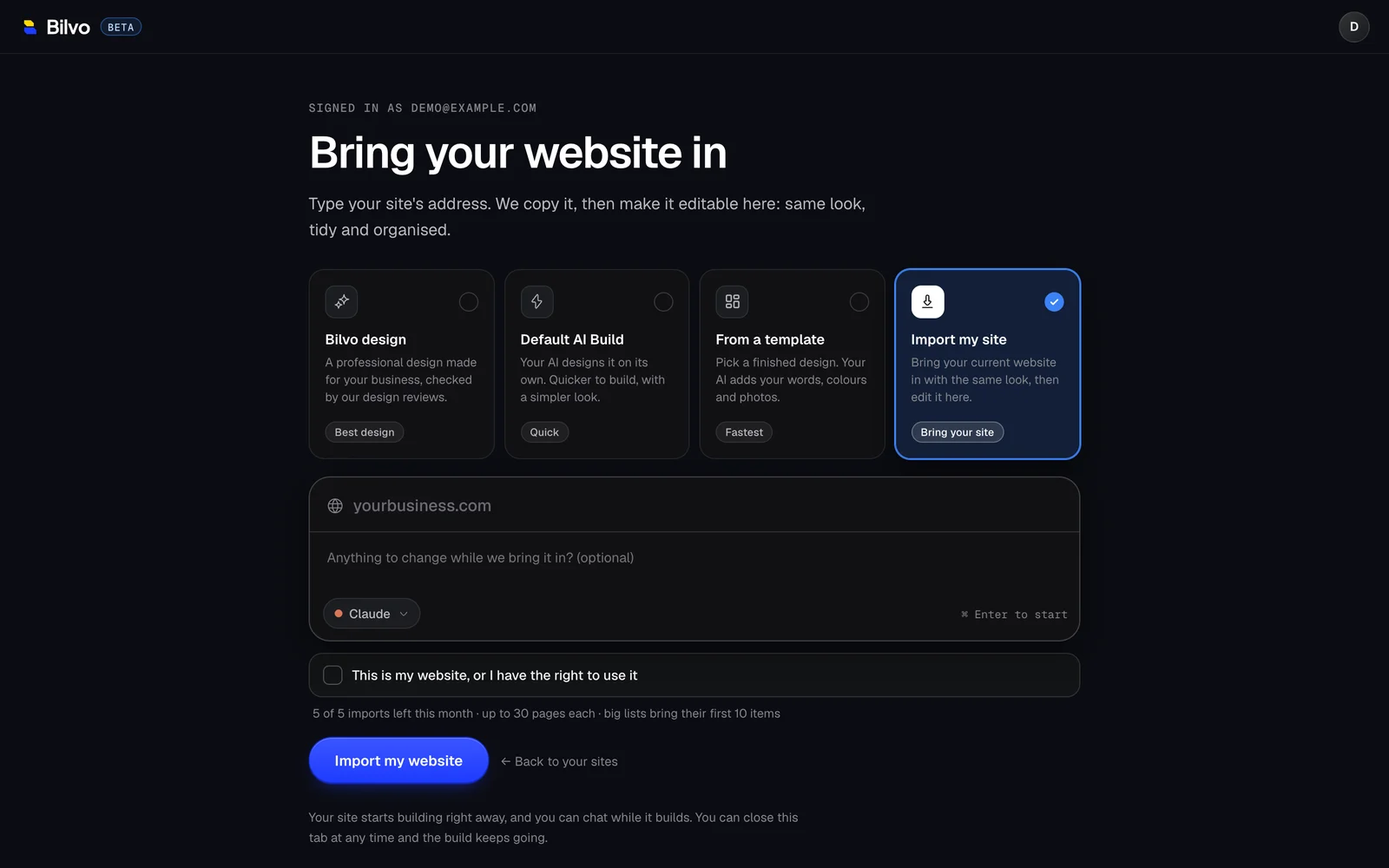
Notes are optional.
Import
Click Import my website. Bilvo brings in your home page first.
Bring in more pages
Click Bring in the next 5 pages until you have them all.
How many you can import
Plan — Imports — Pages per import
- Free — 1 in total — Up to 5
- Solo, Pro and Agency — 5 a month — Up to 30
On an older plan (Personal or Lifetime)? Your plan keeps the imports it came with.
Failed copies don't count. Importing the same domain again within 7 days is free once.
Blogs and other lists
Lists like blog posts bring their first 10 items. Add the rest from a spreadsheet. See CMS and blog.
Prove it's your site
Before you publish or download an imported site for the first time, Bilvo checks it's yours. You only do this once.
- Get a code by email: works if your Bilvo account email uses that website's domain.
- Or add a code to your website: put the code on your current site, then click Check my site.
Still stuck?
A real person replies by email.