Bilvo for Mac
Get the free Bilvo app for your Mac: the full builder in its own window, with your own AI plan.
Bilvo for Mac is the full Bilvo builder in its own app. It lives in your Dock, so you don't have to hunt for a browser tab. It's free.
What you need
- A Mac with macOS 12 or later
- Apple chip or Intel, both work
- About 2 minutes
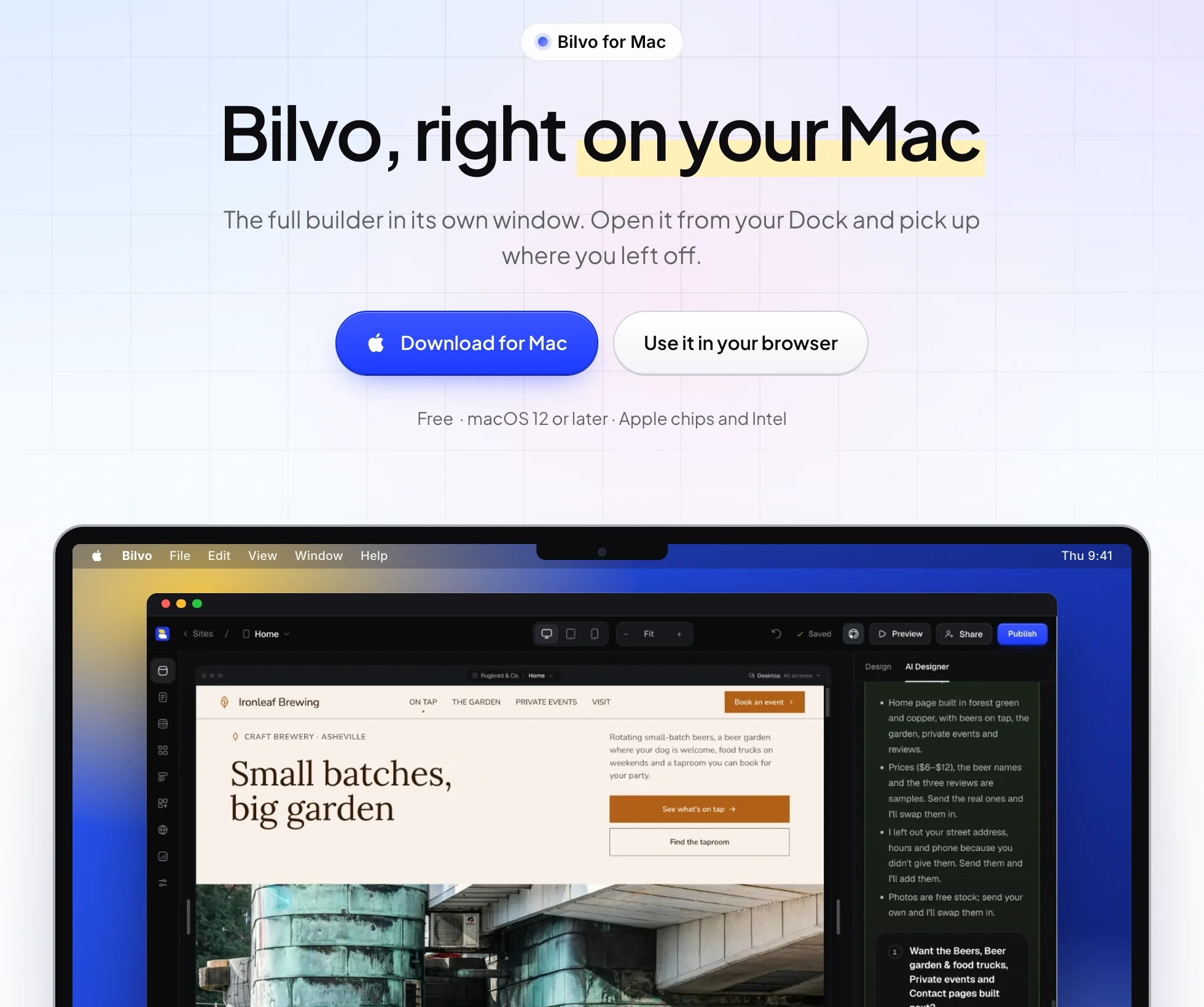
Download it from bilvo.io/download.
Install it
Download
Go to bilvo.io/download and click Download for Mac. The file is small, about 5 MB.
Open the file
Open Bilvo-mac.dmg from your Downloads folder.
Drag it to Applications
In the window that opens, drag the Bilvo icon into the Applications folder.
Open Bilvo
Open Bilvo from your Applications folder or Launchpad. Sign in with the same account you use on the web.
Safe to open
The app is signed and checked by Apple (notarized), so it opens with no warnings.
Same account, same sites
You see the same sites as on the web. Start a change on your Mac and finish it in any browser, or the other way around.
Use your own AI plan
In the Mac app, you can sign in with your own Claude, ChatGPT or Cursor plan and let it build your site. Your own plan does the work, so it uses no Bilvo credits.
Prefer not to connect your own plan? The AI runs on Bilvo AI credits instead.
On Windows?
There's no Windows app yet. Bilvo works in any browser at build.bilvo.io.
Still stuck?
A real person replies by email.