Your sites dashboard
Find, open, rename and delete your sites, and see which ones are live.
2 min read
Your sites is the first thing you see after signing in.
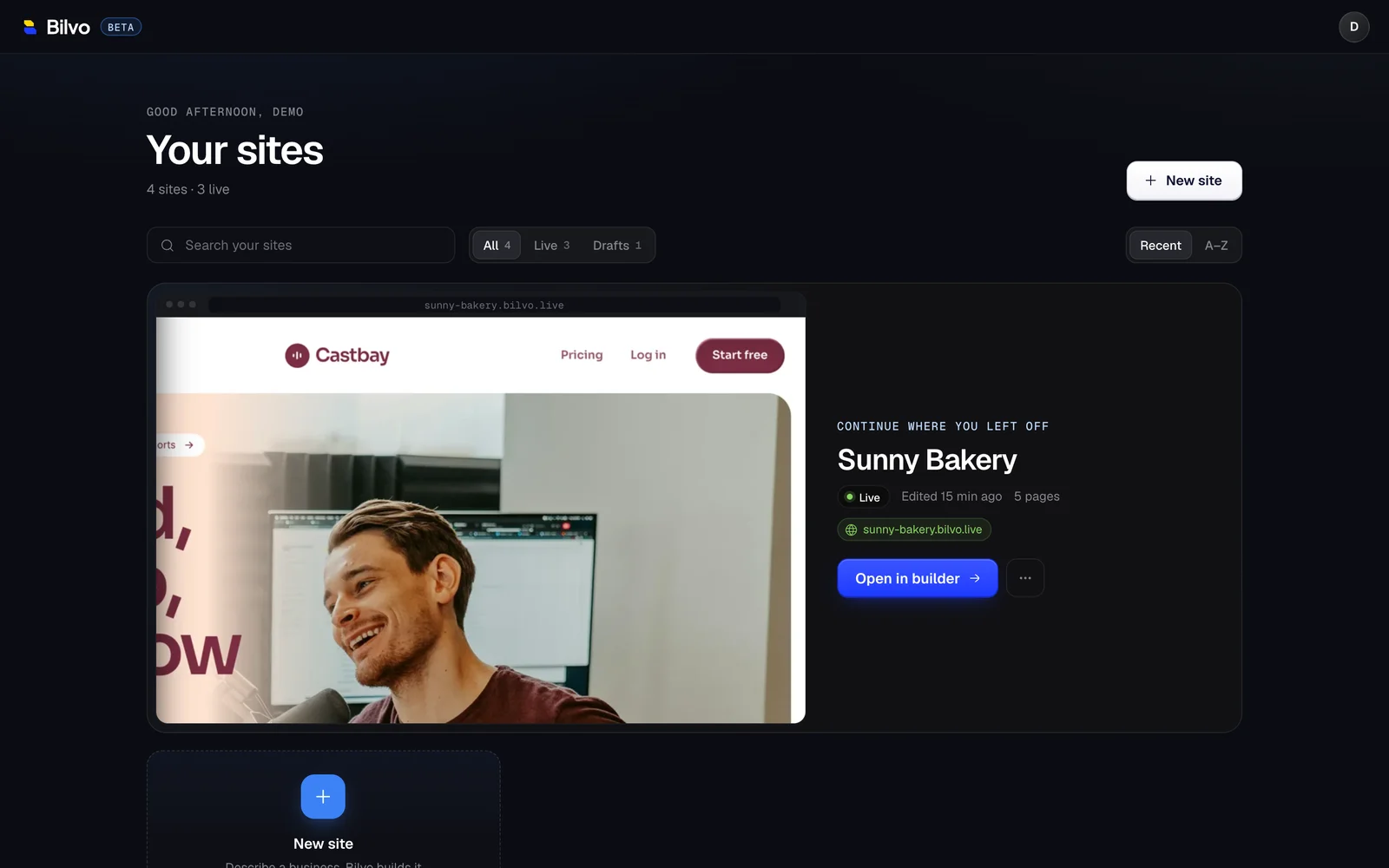
All your sites in one place.
- Continue where you left off: click Open in builder to jump back in.
- Search your sites: type part of a name.
- All / Live / Drafts: show every site, only published ones, or only unpublished ones.
- Recent / A–Z: change the order.
- New site: start another site.
Each site card
A card shows a preview, a status (like Building or Ready), when you last edited it, how many pages it has, and its live address or Draft · not published.
The ••• menu
Option — What it does
- Open — Opens the site in the builder.
- Visit live site — Opens the published site in a new tab.
- Rename — Changes the site's name.
- Delete site — Removes the site for good.
Deleting can't be undone
Its pages, photos and chat are removed for good, and its live address goes offline.
While your AI builds one site, you can still open and edit your other sites.
Still stuck?
A real person replies by email.