Build your first website
Describe your business, answer a few questions and watch your site build. A Bilvo design takes about 30–45 minutes.
What you need
- A Bilvo account
- Bilvo AI credits (they come with every plan), or your own connected AI
- A few lines about your business
You describe your business once. The AI builds the site while you watch, or while you do something else.
Click New site
On your dashboard, click New site. You'll see What should we build?
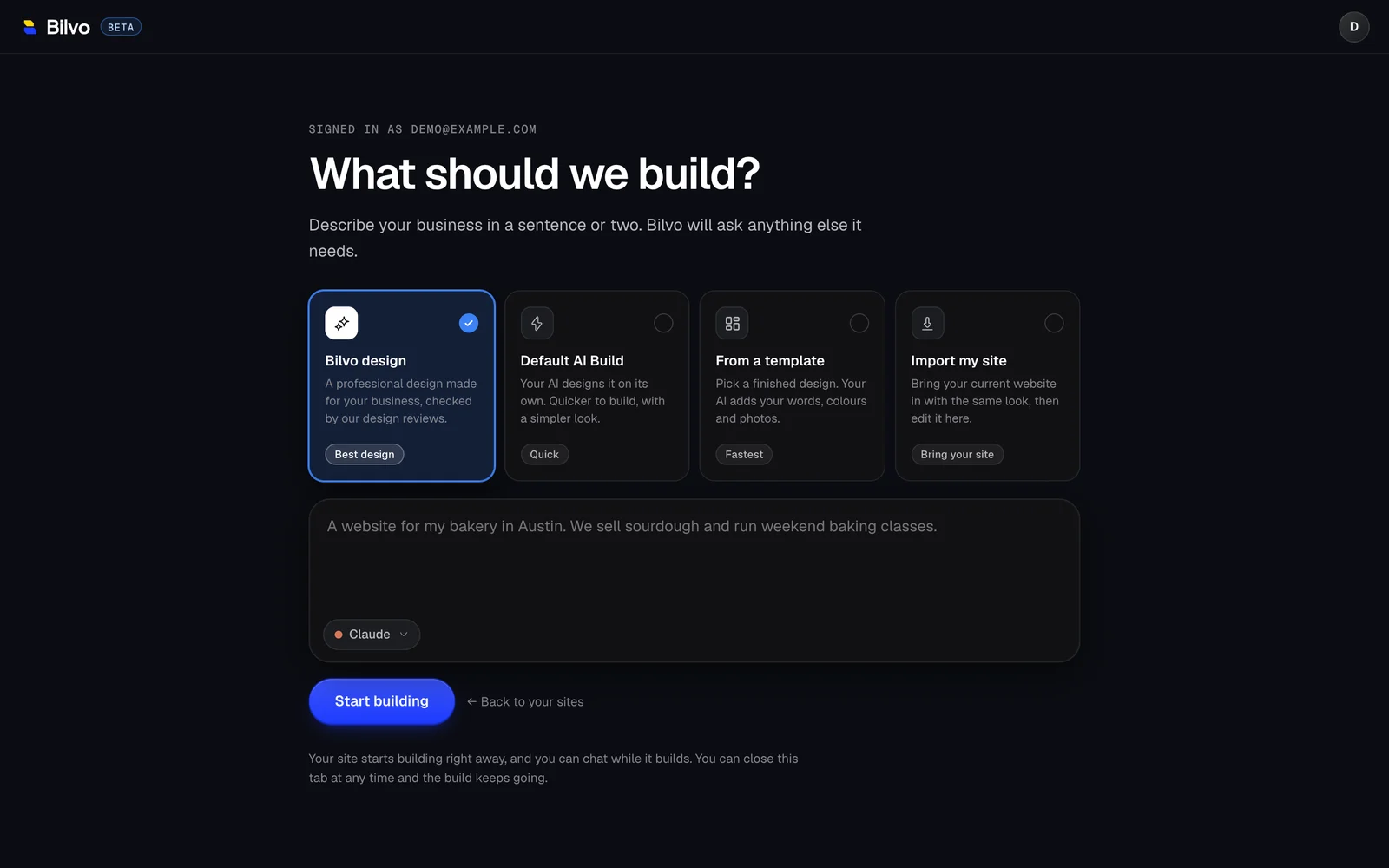
Pick how to start, then describe your business.
Pick how to start
Bilvo design gives the best result. Not sure? See Ways to start a site.
Describe your business
Say what you do, where, and who for. For example: "A website for my bakery in Austin". Then click Start building (or press ⌘/Ctrl + Enter).
The AI starts
Bilvo AI does the work with your credits. Connected your own AI? It uses that instead. See Connect your AI.
Answer the questions
A question card appears within seconds. Tap your choices, then click Send answers. Or click Just build it and the AI decides the rest.
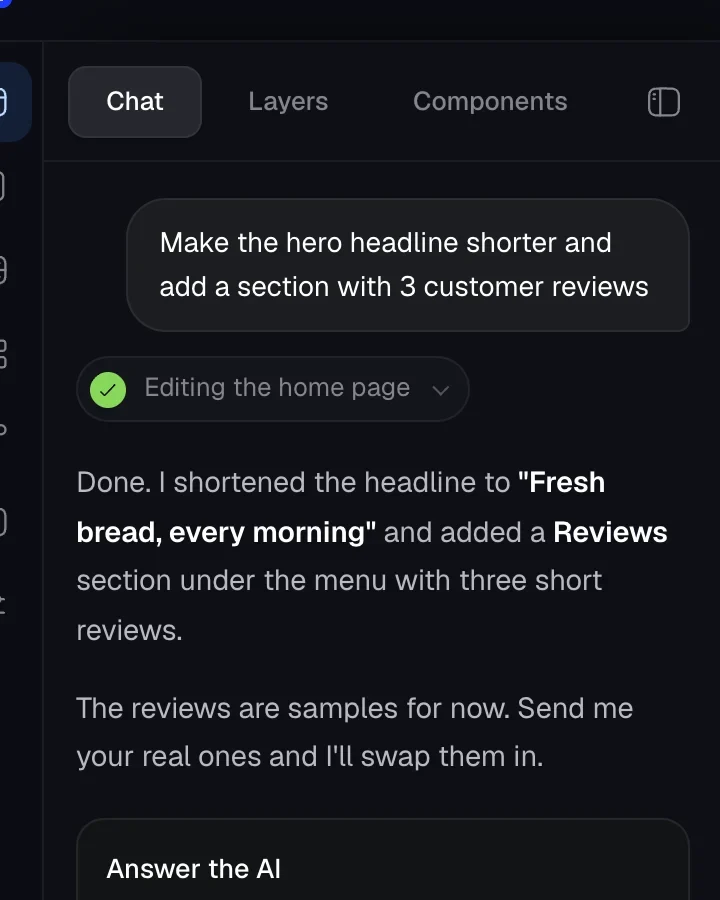
Skip any question you like. The AI fills the gaps.
Watch it build
A progress card shows each step and the time left. Editing opens when the site is ready.
Check your home page
The home page comes first. Click Looks great, build the next page, or Change something first. Click Build the rest to build all the other pages.
Your website is ready
A dialog shows the design review score. Click Show me the website to start editing.
How long it takes
A Bilvo design takes about 30–45 minutes. A template or Default AI Build is faster.
You can close the tab
The build keeps going without you. Come back to your dashboard any time.
Stop and carry on later
Stop
Click Stop build, then Stop building. You can edit what's there.
Carry on
Click Continue building. Bilvo finishes the rest and keeps your changes.
Good to know
- Your AI works on one site at a time. You can still open and edit your other sites by hand meanwhile.
- On a phone you can chat and follow your build. Editing works on a computer.
Still stuck?
A real person replies by email.