Components and layers
Reuse a section on many pages, and find any part of your page fast.
Components
A component is a section your site reuses, like a contact band. Change it once and every page that uses it updates.
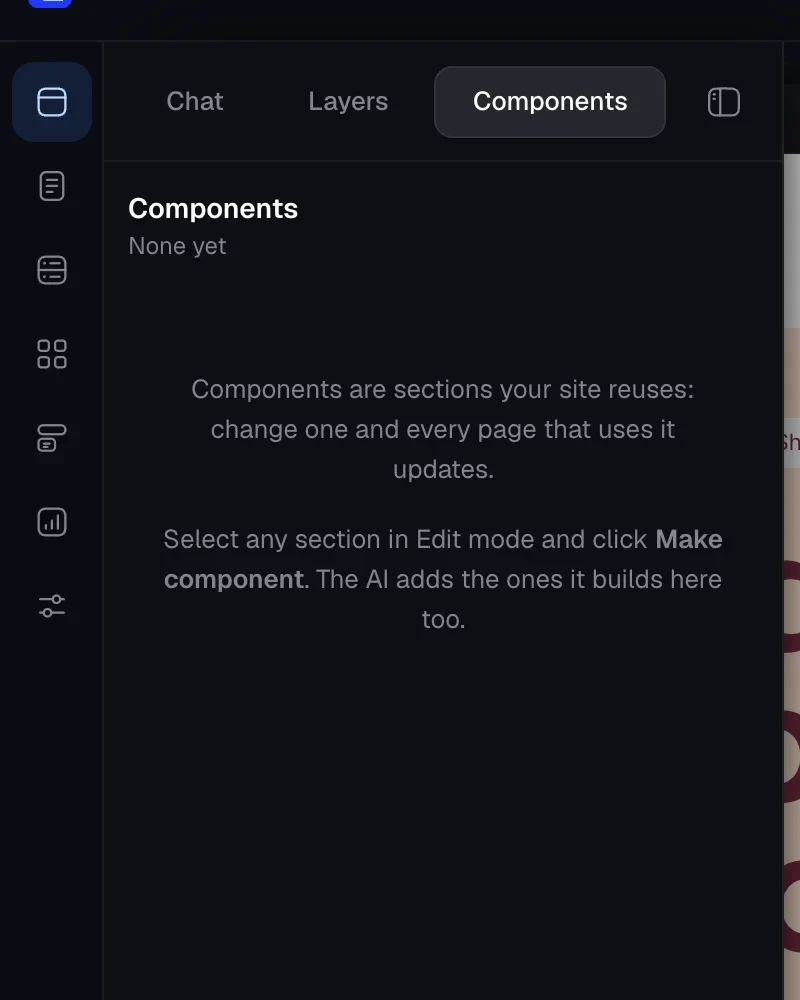
The Components tab.
Make one
Right-click a section and pick Make component. Give it a name.
Add it to a page
Open Components in the side panel and click the one you want.
Rename it
Click its name in the Components tab.
When you edit a linked component, Bilvo shows Editing everywhere. Your change reaches every page that uses it.
Want this page to have its own version? Right-click it and pick Unlink component, then Unlink. Changed your mind? Click Keep linked. You can link it again later with Link to shared component.
Layers
Open Layers in the side panel. It lists every part of your page with a plain name, like Hero Area or Reviews. Click a name to pick it on the page.
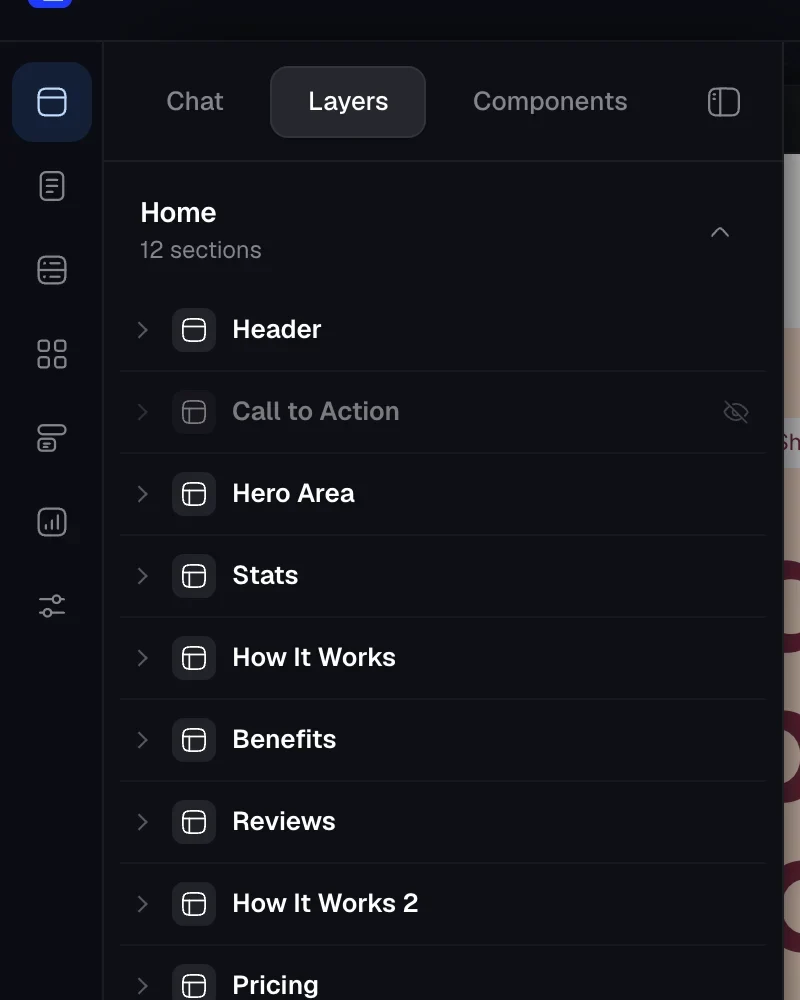
The Layers tab.
- Click Collapse all to close every group.
- Effects show next to their item, like "On Appear: Rise".
- Layers works in Edit mode only.
Moving text strips (tickers)
Click a moving text strip to open its Ticker settings. Change the words, curve, band height, text size, colours, speed and direction.
It moves on your live site. In the editor it stays still so you can edit. Older tickers show Make it editable first.
Still stuck?
A real person replies by email.