Create your account and sign in
Sign in with Google or an email link. No password needed. The same steps create a free account.
There's no password. Signing in the first time creates your free account.
Open the builder
Go to build.bilvo.io. You'll see Build AI website without limits.
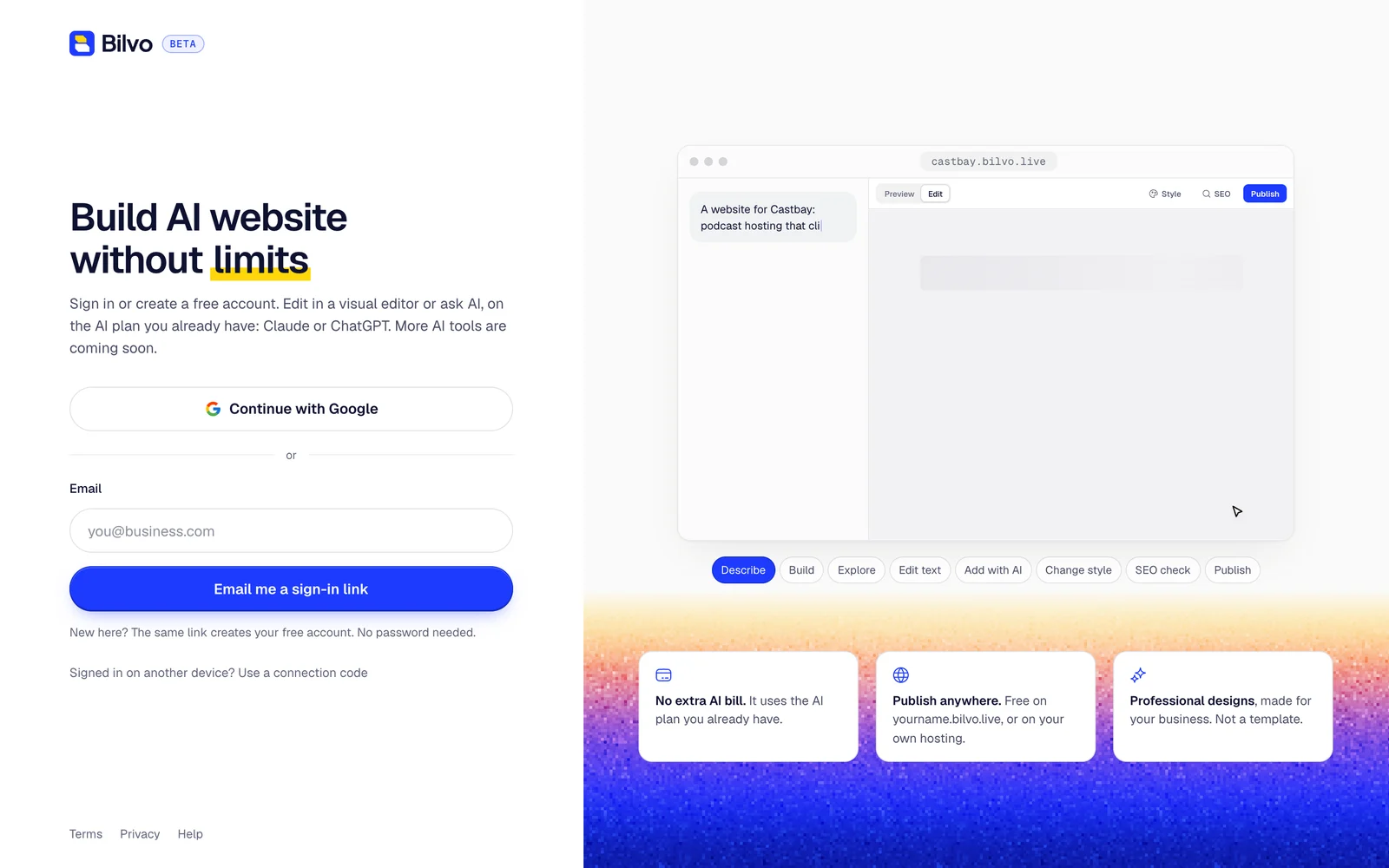
One screen for signing up and signing in.
Pick a way in
Click Continue with Google. Or type your email and click Email me a sign-in link.
Open the email
Click the link in the email. It works once, for 20 minutes. Typed the wrong address? Click Use a different email.
Signed in on another device?
Ask for a code
Click Signed in on another device? Use a connection code.
Approve it
A bilvo.io page opens. Check the code matches, then click Approve.
If something goes wrong
You see — What to do
- That link expired or was already used — Send yourself a new link.
- That email doesn't look right — Check the address for typos.
- Couldn't send the link — Wait a moment and try again.
- Please sign in again — Your sign-in ended. Your work is saved. Just sign in again.
The Beta badge
The Beta label next to the logo means the builder is still new and improving. Everything in these guides works today.
Still stuck?
A real person replies by email.